Gran Turismo 5 does the three-screen trick too, and it’s the better version of the idea — no special cable, no hub, and it works in full GT mode rather than just an arcade sub-mode.
What you need
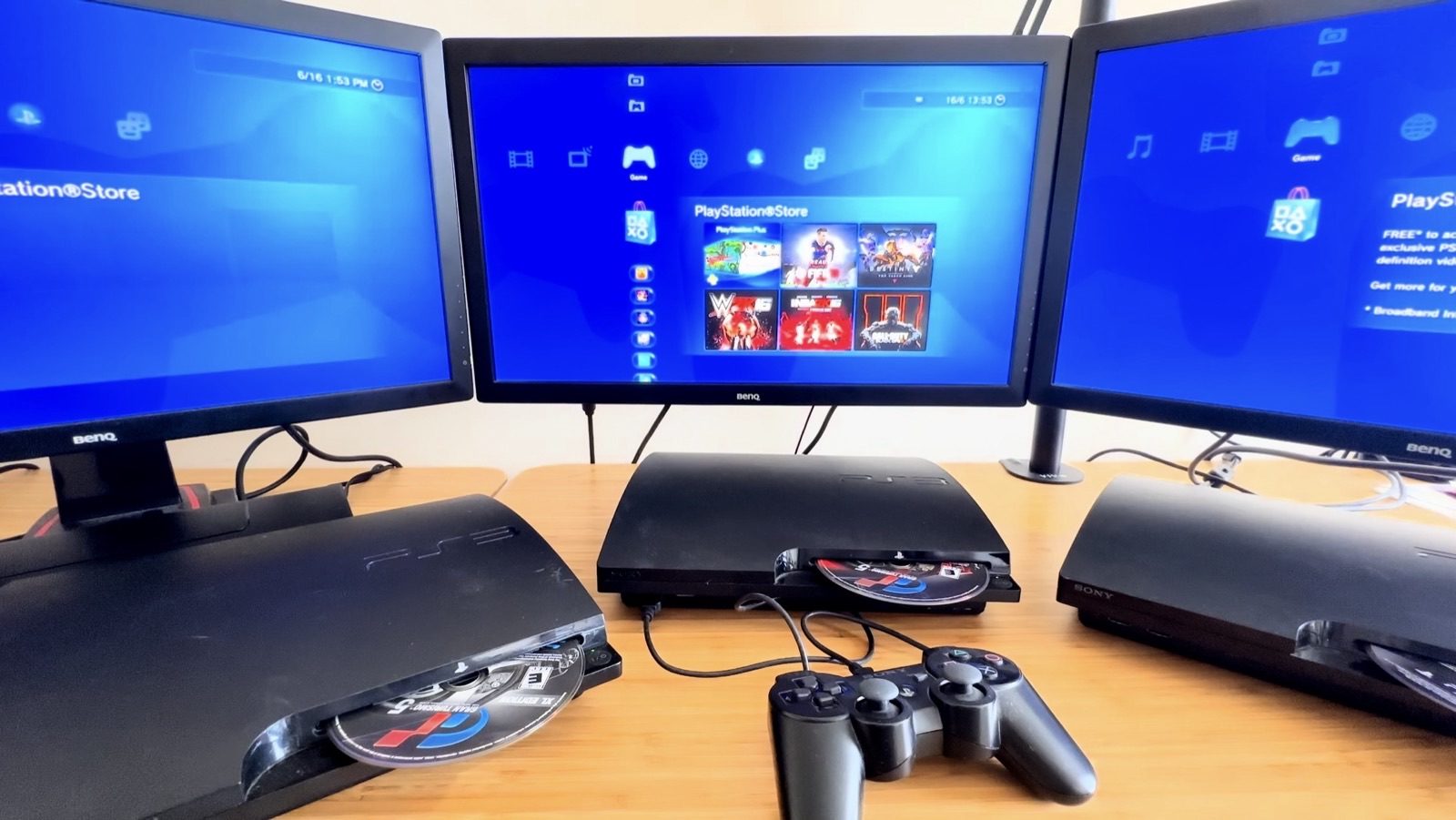
- Three PlayStation 3 consoles.
- Three copies of Gran Turismo 5, all on the same game version. They do not need to share a PSN account.
- A network switch or router. I used an Ethernet switch and Cat5 cables; a router or Wi-Fi should also work, though I only tested it wired.
- Three screens.
Setup (all in-game)
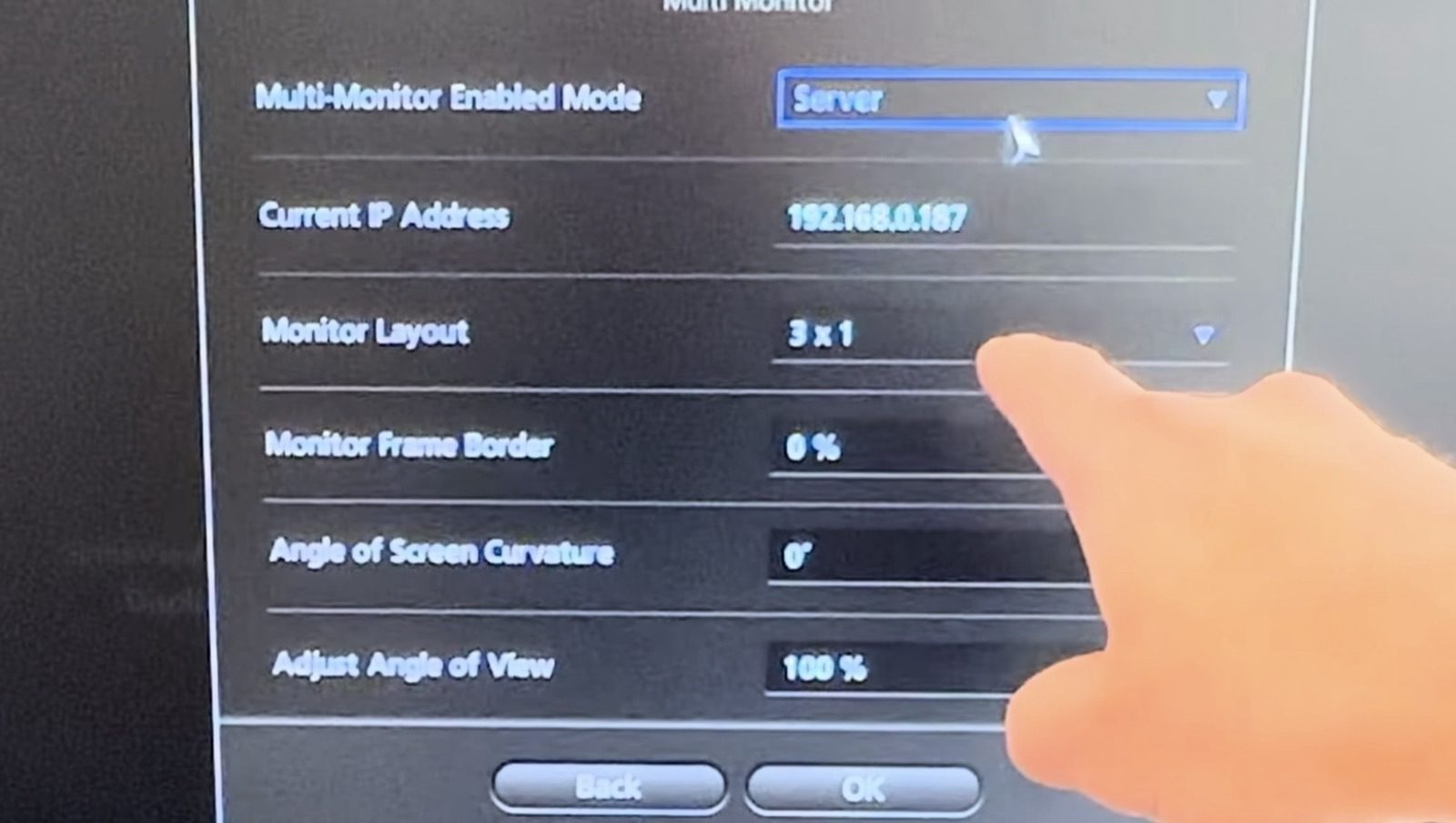
- On the middle console, go to Settings > Hardware > Multi Monitor and set it as the server. Note the IP address shown on that screen.
- On the left console, go to the same Settings > Hardware > Multi Monitor menu, set it to client, enter the server’s IP address, and set it as Monitor 1.
- On the right console, do the same, setting it as Monitor 3.
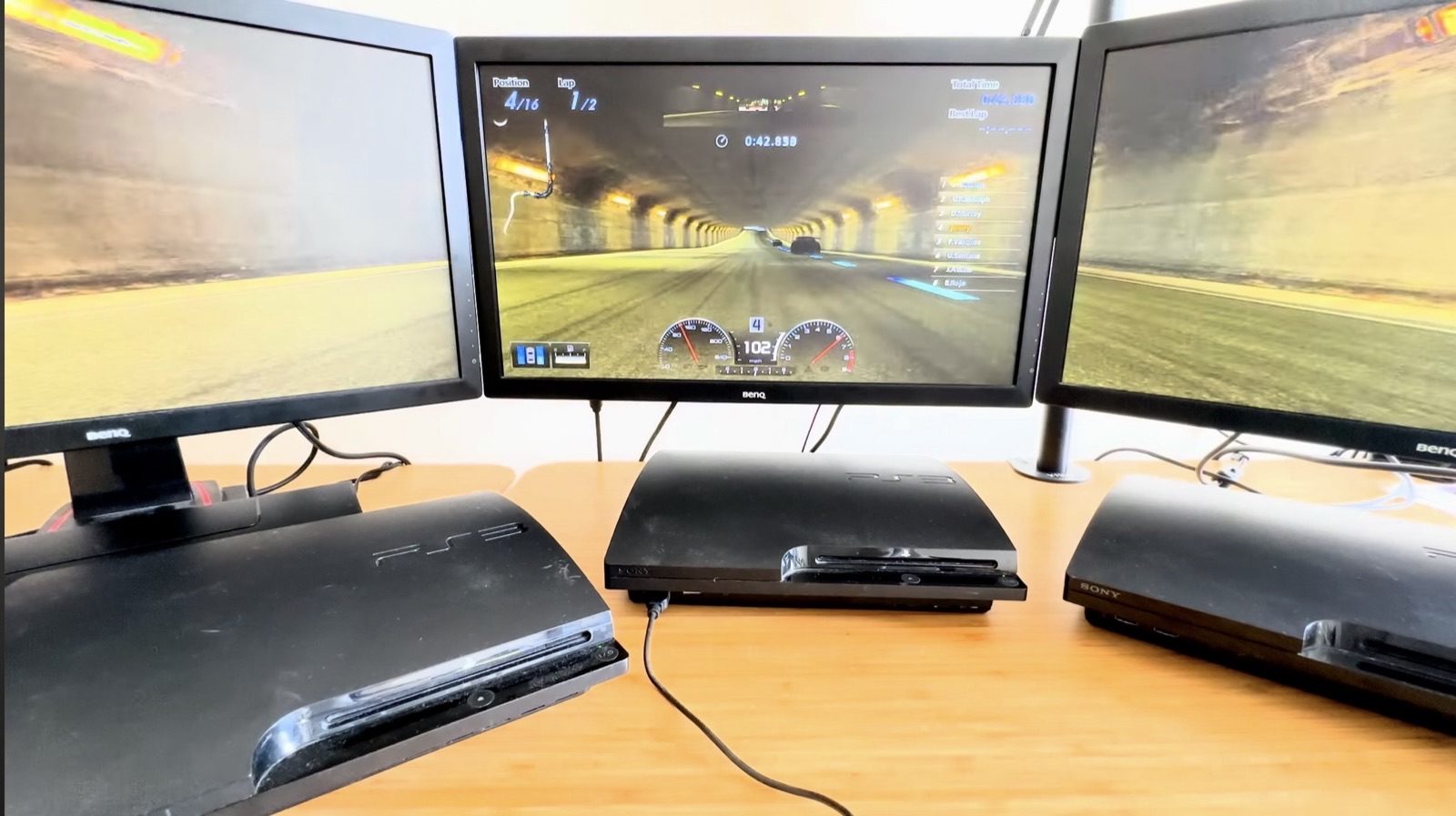
- Back on the server console, start a race. If it’s set up correctly, the two side screens fade to black, then pick up their share of the view automatically.
The same menu also has Monitor Layout, Monitor Frame Border, Angle of Screen Curvature, and Adjust Angle of View settings — I left all of them at their defaults (3×1, 0%, 0°, and 100%) and didn’t need to touch any of them to get a clean picture across the three screens.
The result
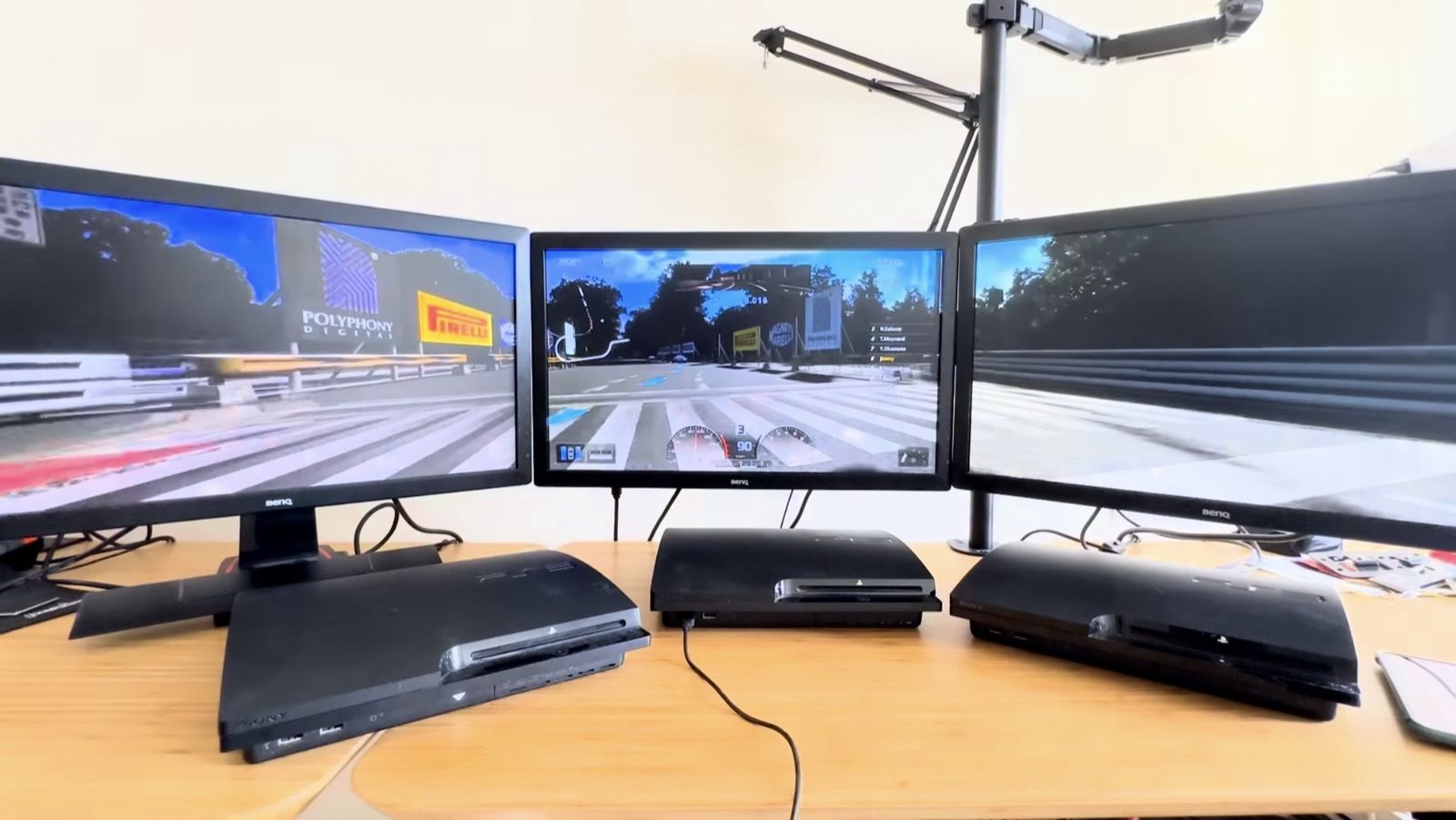
- It isn’t limited to a single Arcade mode — I ran a Civic Sunday Cup race in full GT mode and the three-screen split kept working exactly the same as in Arcade, racing against CPU opponents.
- In fact, pretty much every mode in the game works across the three screens.
- Sync between the consoles is rock-solid.
- Apparently five screens is possible — I haven’t tried it yet.
Watch on YouTube
Related on this site
- Gran Turismo 5 on Multi Monitors — the project notes
- Gran Turismo 3 on Multi Monitors — the PlayStation 2 version that started it
- Sony PlayStation 3