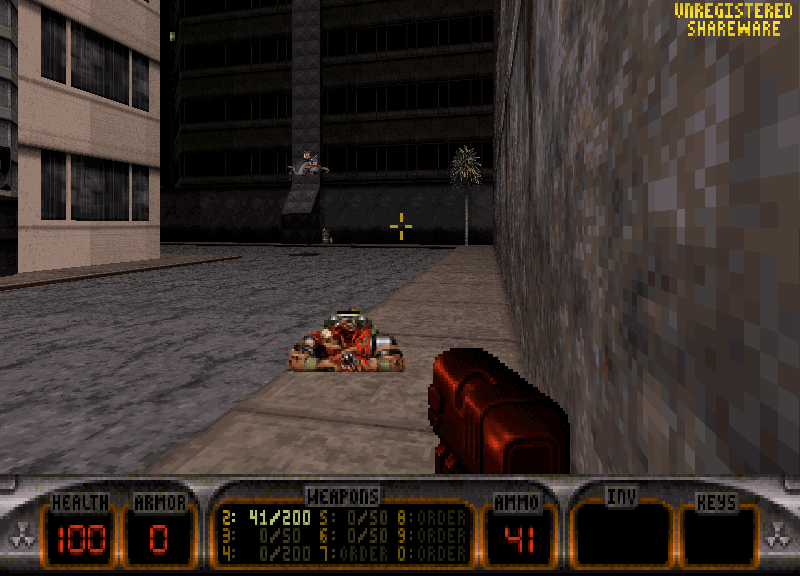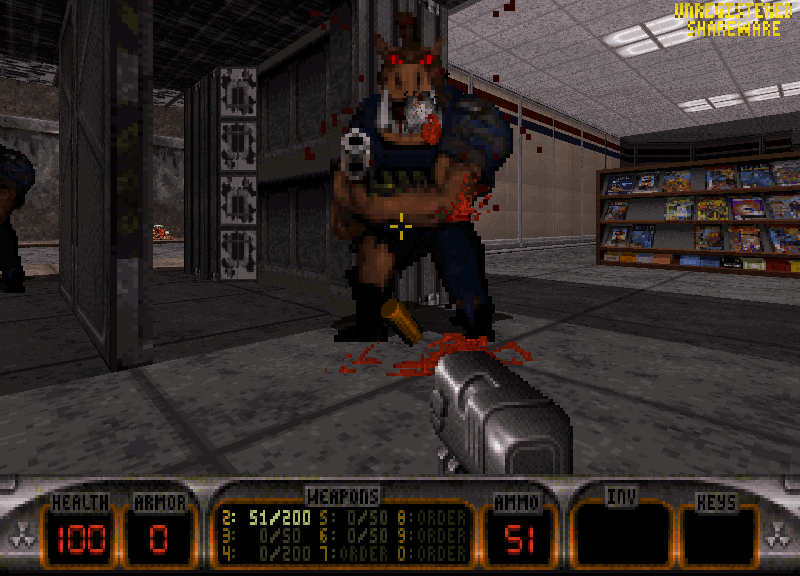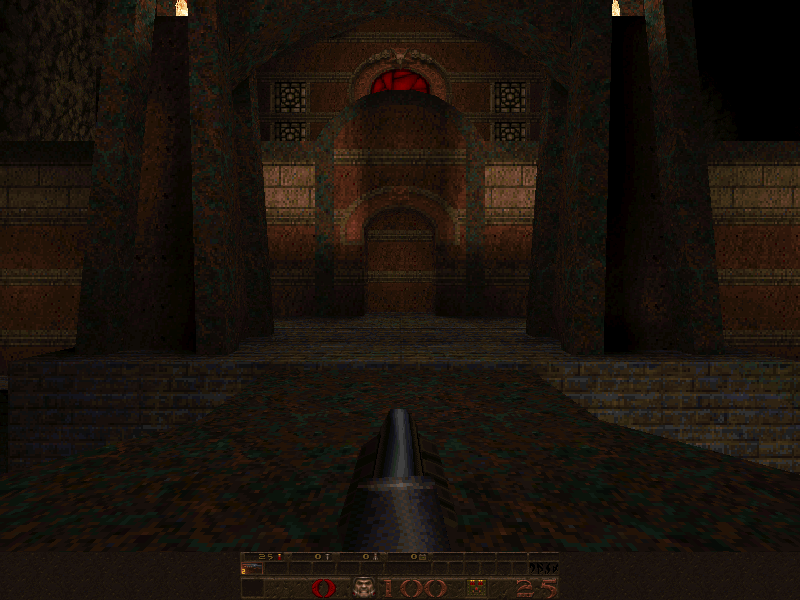
I love software rendering. The best DOS experience I’ve had in a long while was Quake in its software renderer at 800×600, running at a locked 60fps on my Dell OptiPlex 380. It’s one of the best-looking things I’ve seen a DOS game do.
That’s not how most people remember those games looking. In the 90s you either ran them in software at a low resolution, or you bought a 3D card and played the accelerated version. Today there’s a third option: run the software renderer on a machine fast enough to push it at resolutions nobody could use back then.
What software rendering is
In a software-rendered game, the CPU draws every pixel. There’s no 3D card involved: the game works out each frame in its own code and writes it straight to video memory. Doom, Duke Nukem 3D, Blood and the original Quake all work this way.
When 3D cards arrived, many games got accelerated versions. GLQuake came after Quake, and Blood and Tomb Raider got 3dfx modes. Those versions hand the drawing to the graphics card, and they look different.
Why I like the look
It’s sharp. Software renderers generally sample textures pixel by pixel, so every texel stays a crisp square. Early 3D cards smoothed textures with bilinear filtering, which looked impressive in 1997 but turns everything soft and blurry to my eye now.
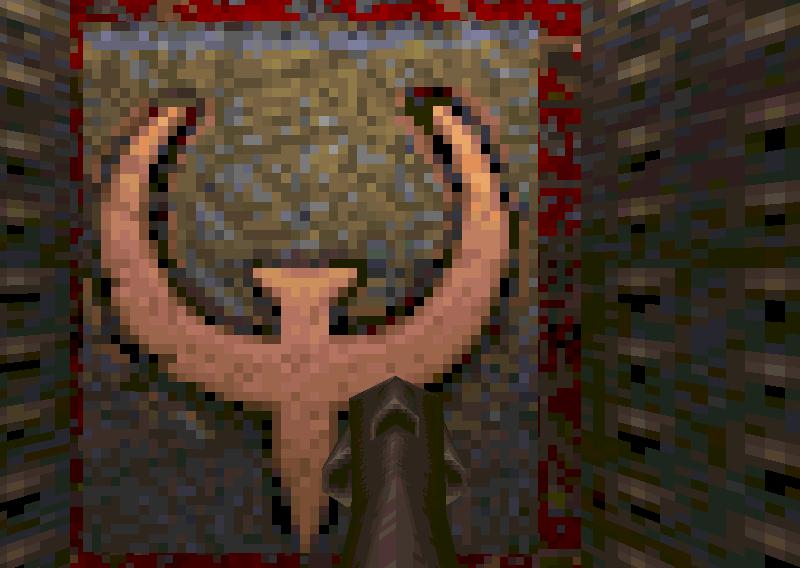
It’s gritty. Most of these games ran in 256 colours, with lighting done through lookup tables into that palette. Shadows fall off in visible steps rather than smooth gradients. Technically that’s colour banding, a limitation. In practice it gives the games a rough, grimy texture that I really like, and that hardware rendering smooths away.
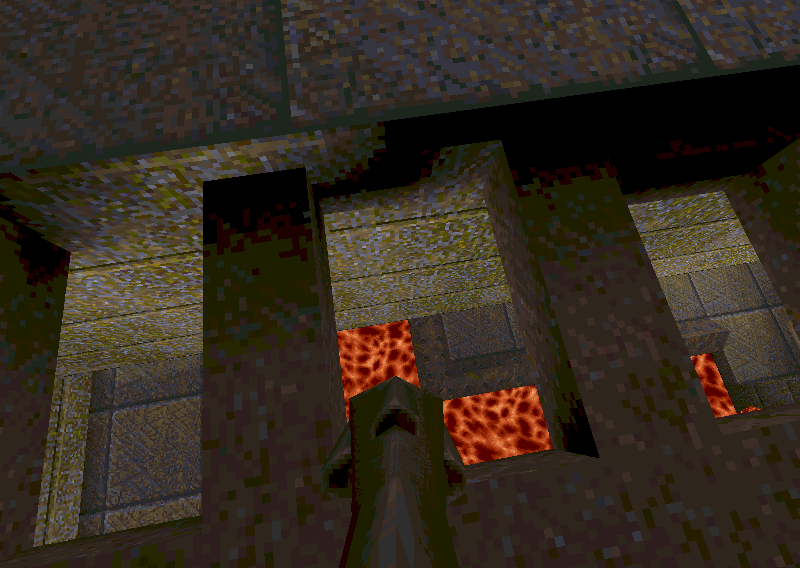
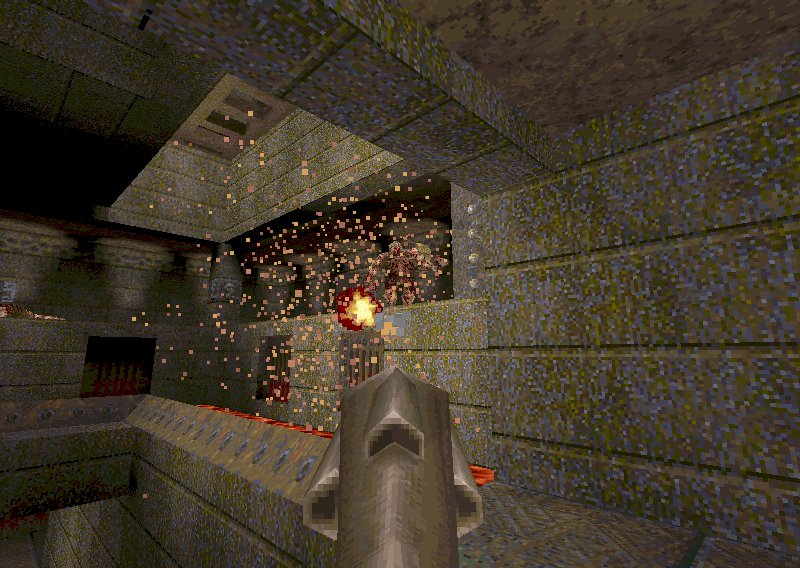 Even the particles are square: the software renderer draws each one as a small block of pixels.
It’s how the games were built. Quake was released with its software renderer, and GLQuake followed. Doom and the Build engine games were designed around their software renderers from the start.
It isn’t always the better option. When I got a Voodoo 2 running in a modern PC, Blood ran fast in its 3dfx mode, but the VESA software modes were the better-looking option. Tomb Raider went the other way: its underwater sections look noticeably better accelerated than in the DOS software renderer. So it’s a preference, not a rule. But for most of the games I care about, I’d pick the software renderer.
It’s not just nostalgia, either. Ion Fury, a Build engine game from 2019, still ships with a software renderer.
The catch: it needs a fast PC
Software rendering scales with the CPU. Every extra pixel is work for the processor, so the high VESA resolutions that many late DOS games offered were well beyond the hardware of the day.
Modern hardware can power through most of it. On the OptiPlex 380, Quake at 800×600 holds a locked 60fps. But the heaviest games still push even very fast machines. In his video on the Portwell RUBY-9719, Rasteri shows Build engine games needing far more power at high resolutions, to the point where even a 3.3GHz quad-core Xeon “isn’t quite enough to run Shadow Warrior at full 1600 by 1200”.
So if you want to see these games at their best, you want the fastest machine you can get that still runs them.
Why it needs native DOS
There are other ways to get software rendering on a modern PC. Source ports of Doom and Quake run software renderers on Windows, and Ion Fury runs on Windows natively. They’re great.
What I’m after is the original DOS versions running as they were released, on real hardware. DOSBox is the obvious alternative, but some DOS titles struggle in DOSBox, while on real hardware they behave exactly as intended.
That leaves one more problem: sound. A fast machine running native DOS needs a sound card the games can talk to, and modern PCs don’t have one. That’s a story of its own.
Games worth trying
- Quake, in software at 800×600 or higher
- Duke Nukem 3D and Blood, the Build engine games, at high VESA resolutions
- Screamer