I bricked my ITX Llama trying to change its CPU clock speed. Here’s how I got it back with a clip, a cheap programmer, and about twenty minutes.
How I broke it
The Llama’s Vortex86EX module runs at 300 MHz out of the box, and the BIOS exposes 400 and 500 MHz options. With some extra cooling I tried 500 MHz — and Windows 98 fell apart: Explorer crashing before the desktop finished loading, apps failing the moment they opened.
Trying to be sensible, I stepped down to 400 MHz. That’s the setting that actually killed it. The board hung on boot with no way into the BIOS. Eivind Bøhler, who designed the Llama, later explained why: the DDR memory is clocked slightly higher for the 400 MHz CPU setting than for 300 or 500, and the clocks are tied together in an inflexible way, so 400 is the fragile one on some boards.
Either way, I was locked out. The only way back in was to reflash the BIOS chip directly.
What you need
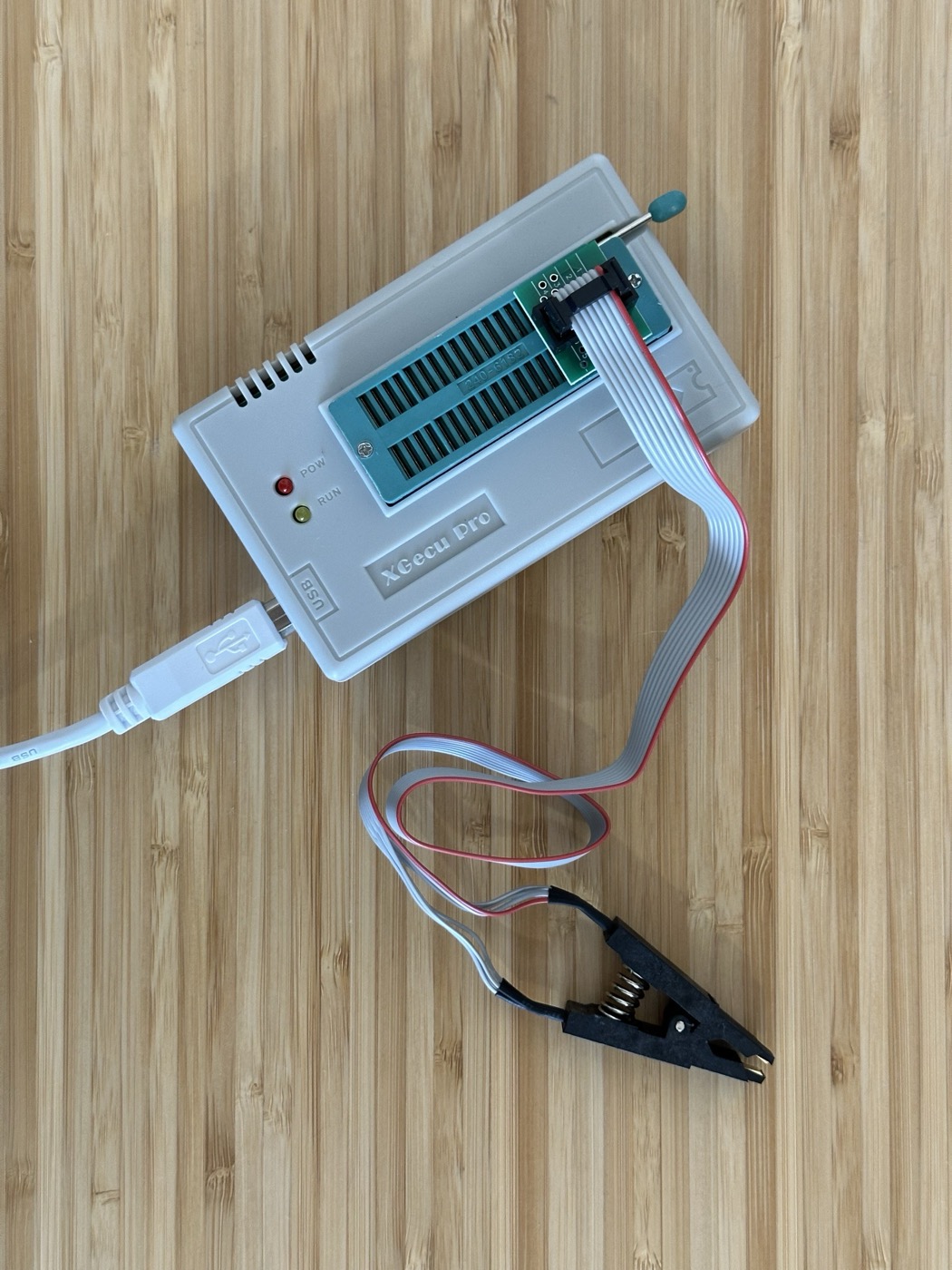
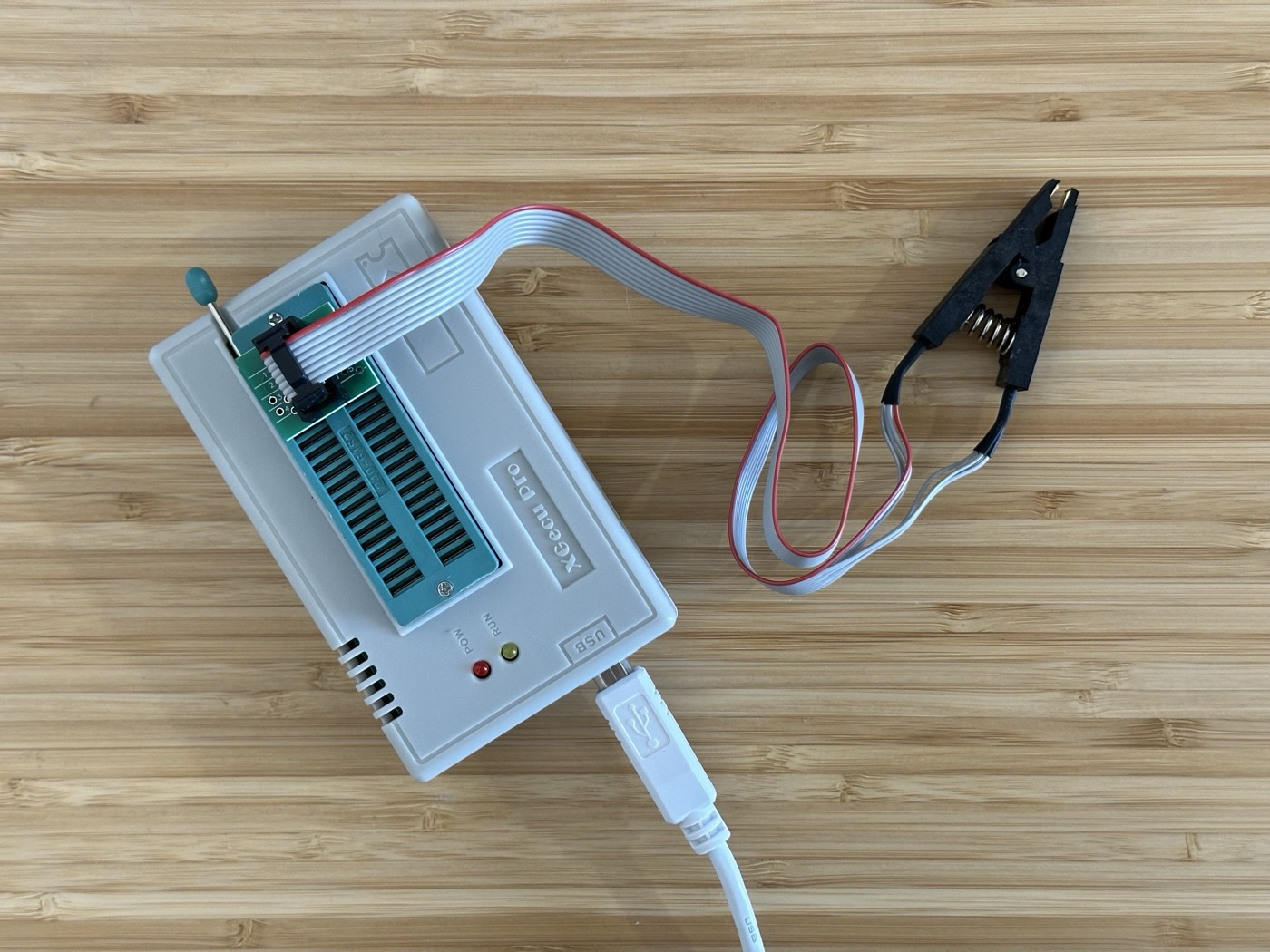
- a SOP8 test clip (also called an SOIC-8 clip) that grips the flash chip’s legs without desoldering
- an EEPROM programmer — I used a TL866 II Plus (I’d also bought a cheap CH341A as a backup); the actual unit’s case is branded “XGecu Pro” (XGecu being the manufacturer/brand behind the TL866 line)
- the flash chip on the Llama is a Macronix MX25U6435F, a 64 Mbit SPI part that runs at 1.8 V — worth knowing, because a 3.3 V-only programmer or adapter can damage a 1.8 V chip
The recovery
- Clip onto the flash chip with the board unpowered.
- Read the chip first, save a backup.
- Flash a known-good BIOS image. For the Llama, the current BIOS resets the CPU multiplier back to 300 MHz as part of the ROM itself, so flashing it is guaranteed to bring the board back to a bootable state.
- Remove the clip, power on, done.
The actual fix for the overclock
Once it was alive again: the 500 MHz instability was down to the “silicon lottery” — my particular chip just doesn’t like it, no matter the cooling. A later BIOS added a 466 MHz option, and that turned out to be the stable sweet spot for this board. (More on the cooling and overclocking in the ITX Llama build writeup.)
Related on this site
- Just used a SOP8 clip to unbrick my first BIOS — the original tweet
- ITX Llama
- Building the ITX Llama — the project notes
