The Amstrad PC1640’s original hard drive is 1980s-era MFM storage, and it started throwing file allocation table errors. I needed the files off before it died completely.
Why serial
The obvious route was a straight drive-to-drive copy onto the CompactFlash card in my Lo-tech XT-CF adapter. That wasn’t possible: the XTIDE BIOS won’t load while the original MFM controller card is connected, so only one of the two drives can be active at a time.
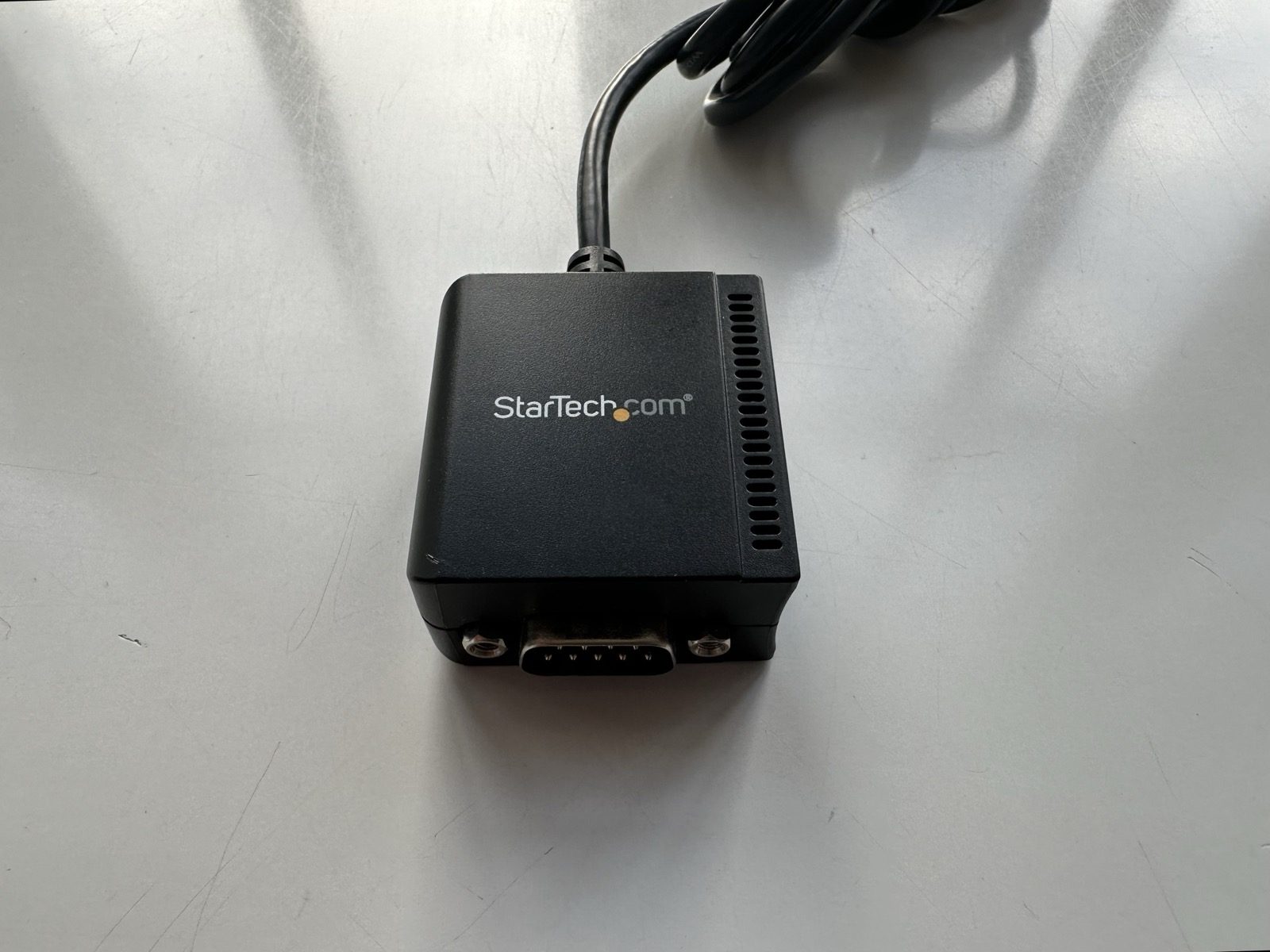
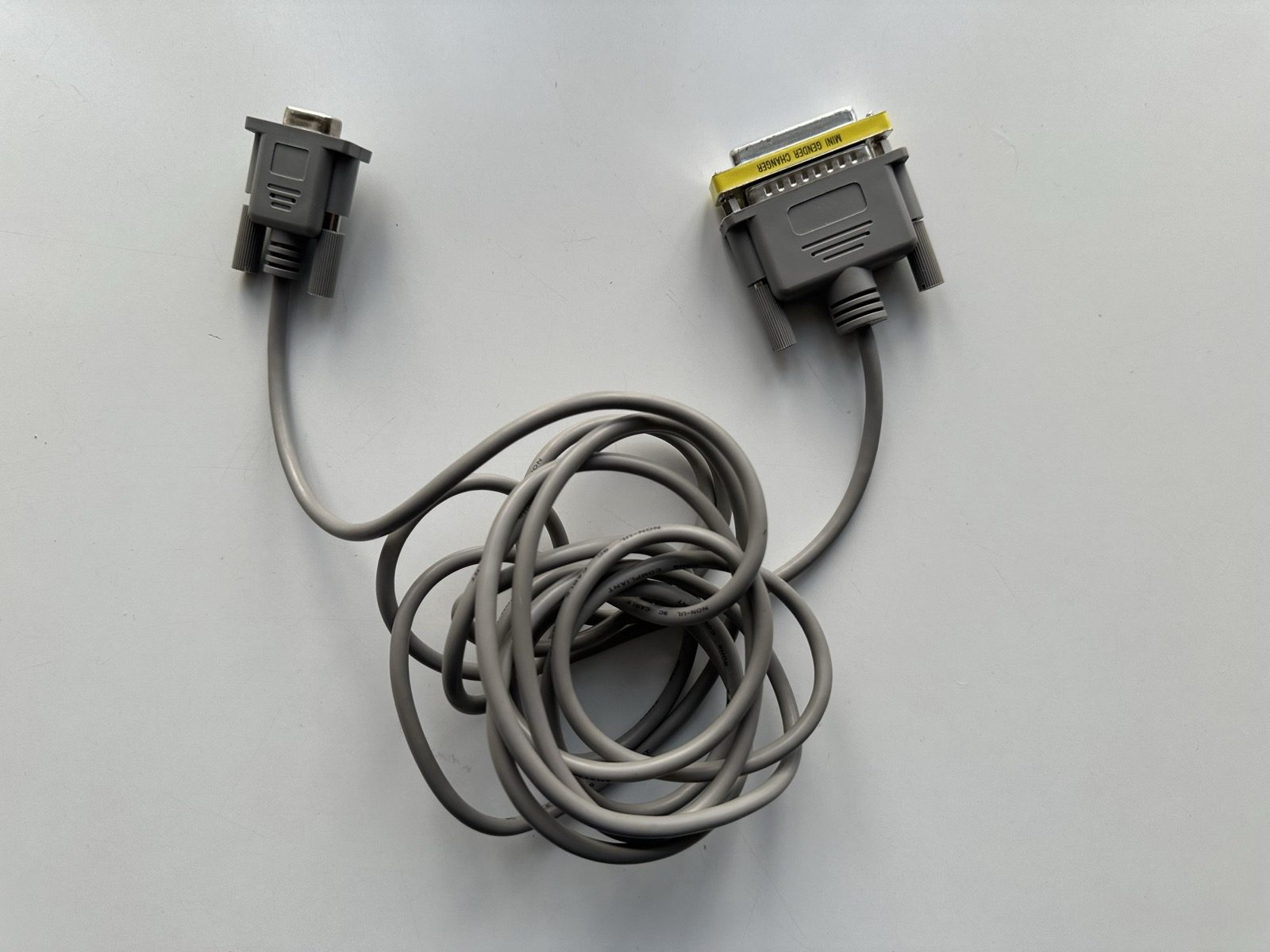
That left the PC1640’s serial port. I already had a modern PC to receive the files, so it was just a matter of cabling the two together. A null modem cable, with a “Mini Gender Changer” adapter on one end, connected the Amstrad’s serial port to a StarTech USB-to-serial adapter on the PC:
Procomm and Kermit
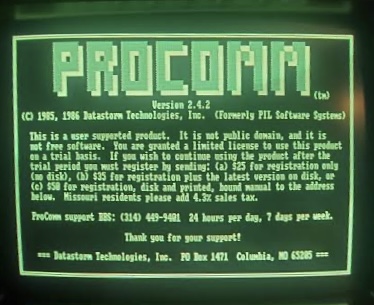
On the Amstrad side I ran Procomm (v2.4.2), a shareware terminal program that bundles several transfer protocols. I tried a few of them; only Kermit completed a transfer reliably.
On the PC, TeraTerm handled the other end of the Kermit session — the same terminal program I use for serial transfers on the Atari ST.
What came off
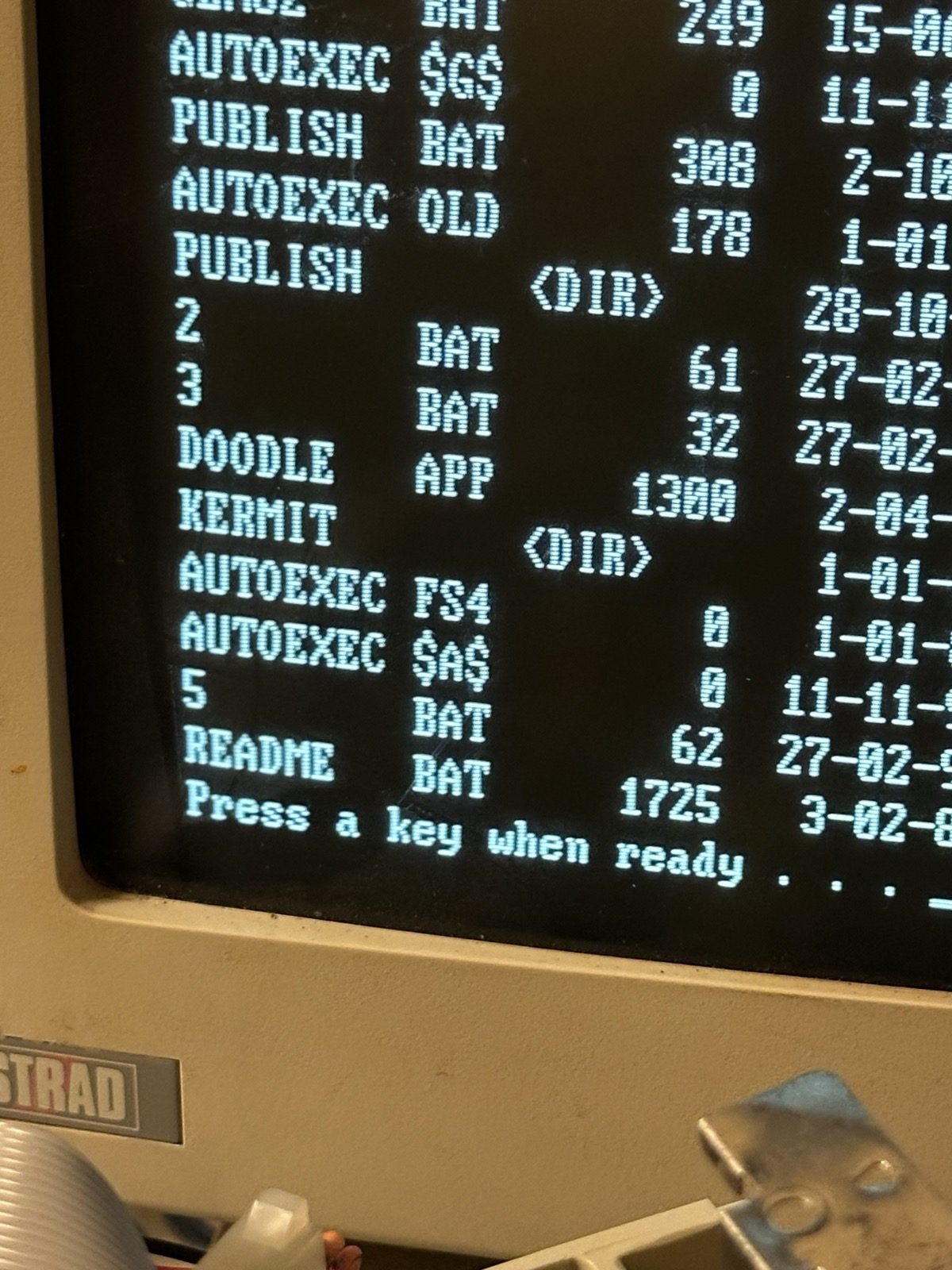
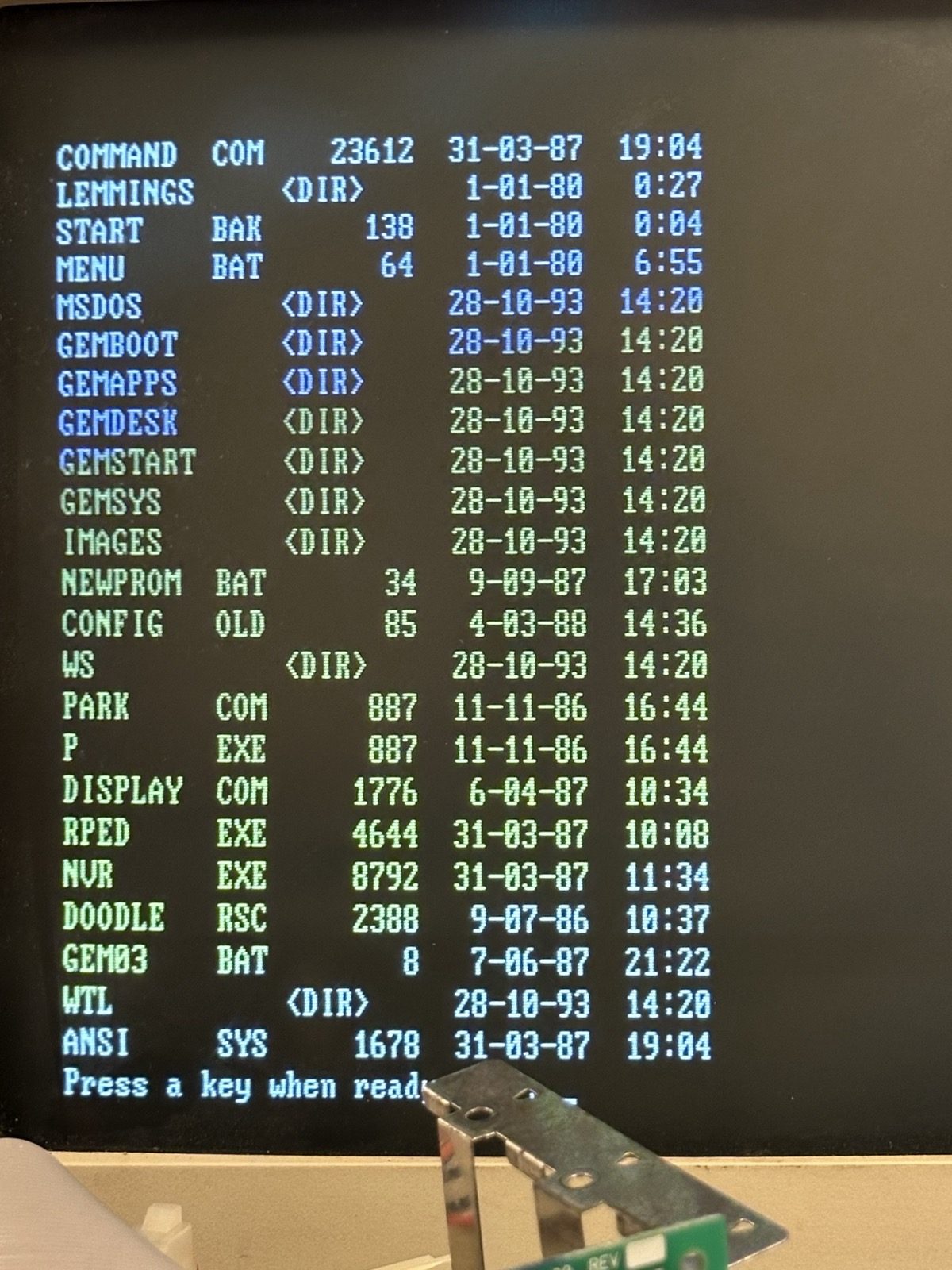
These directory listings are from the recovery session itself: old GEM and DOS files, a KERMIT folder, the GEMBOOT, GEMAPPS and GEMDESK directories, and, for some reason, LEMMINGS.
With the files safely on the PC, the dying drive could be retired. Its replacement is a CompactFlash card on the XT-CF adapter, running XTIDE Universal BIOS, which took its own run of failed attempts to get booting. That story is in Getting XTIDE Working on the Amstrad PC1640.
