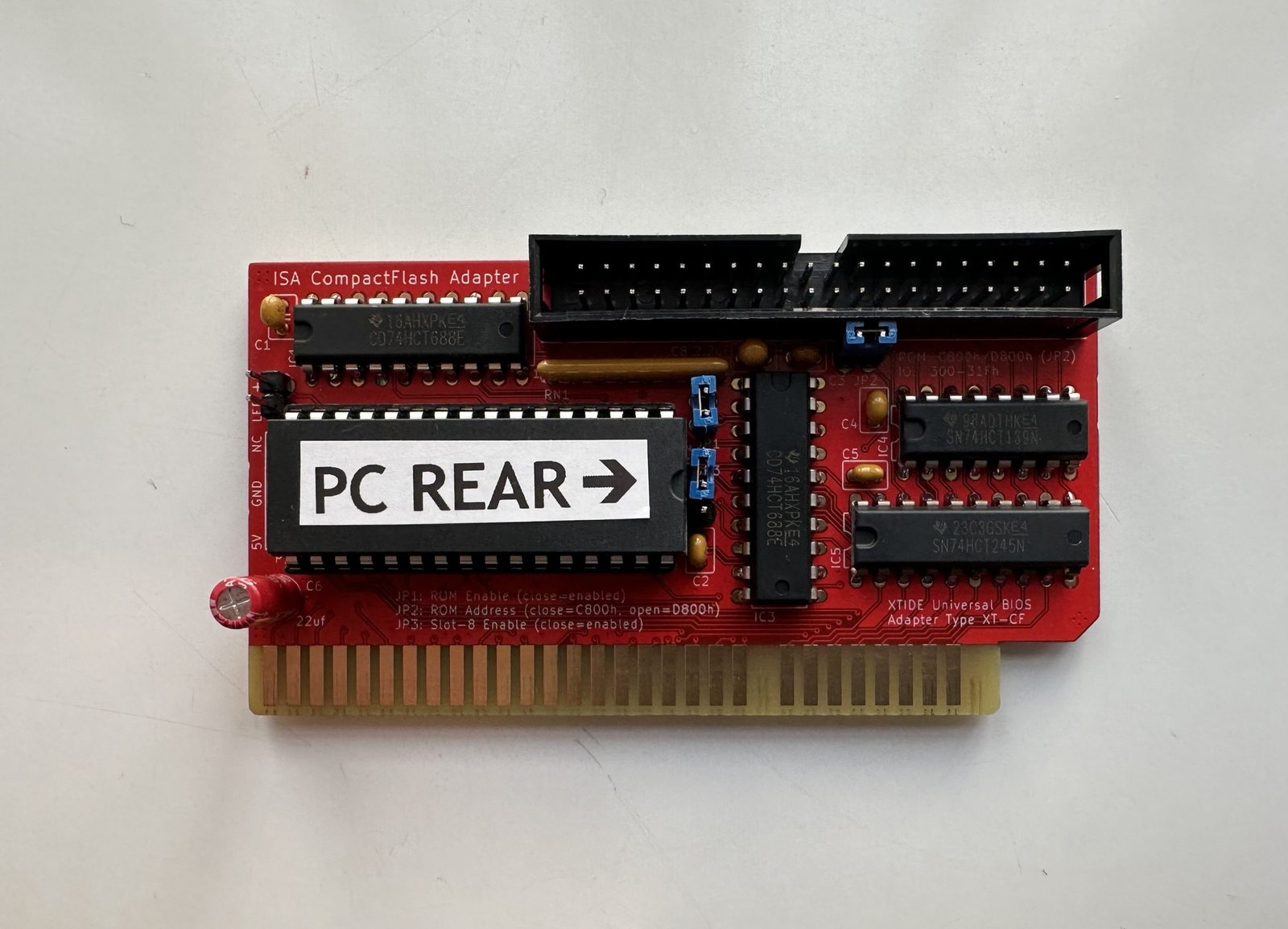
Getting reliable, modern storage into an Amstrad PC1640 means a Lo-tech XT-CF adapter running XTIDE Universal BIOS — it lets a CompactFlash card stand in for a hard drive. I bought the TexElec version, which comes with the BIOS pre-installed, so the hardware side was the easy part. Getting it to actually boot was a different story.
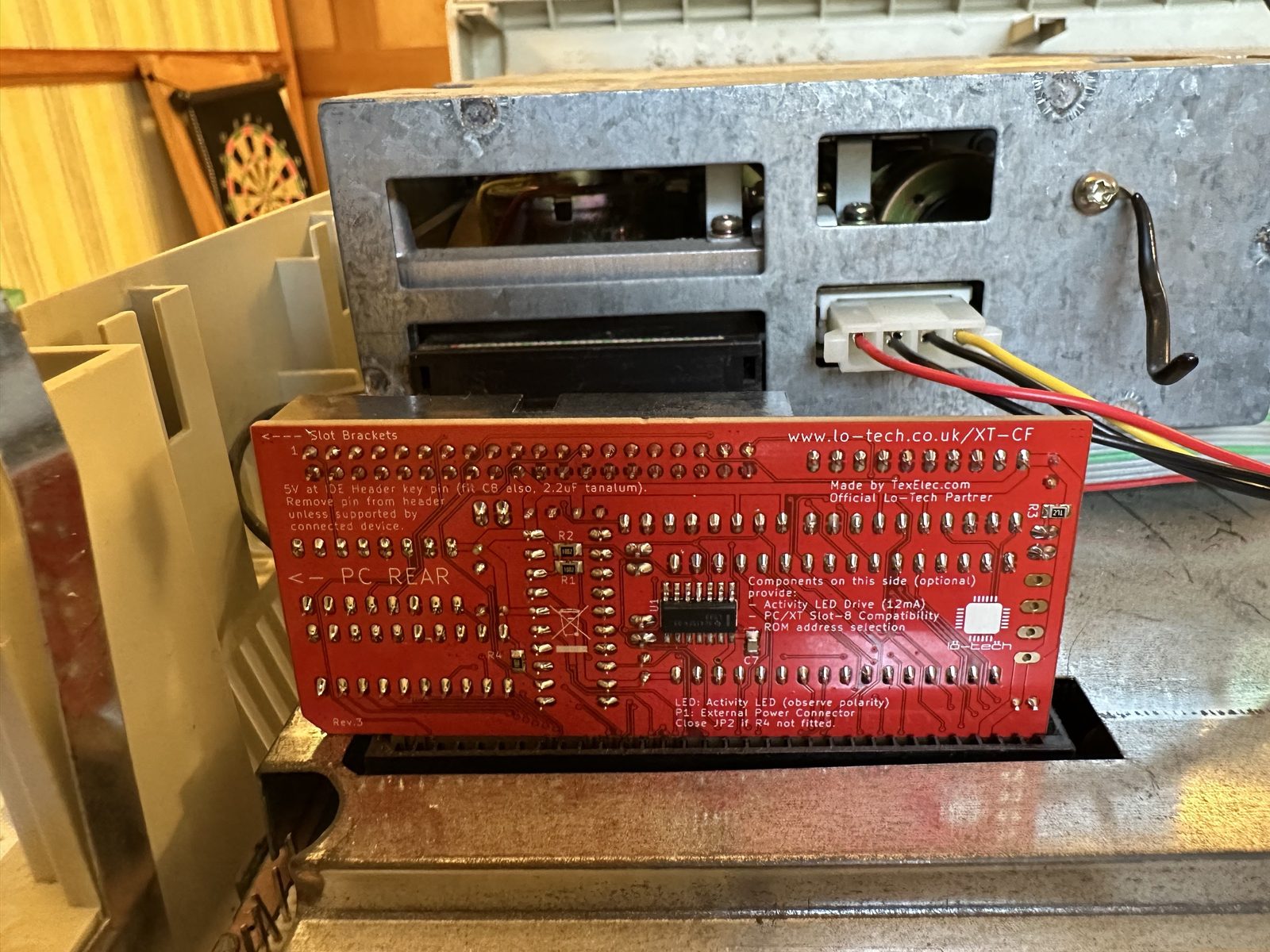
Card installed and screwed into the case, rear view confirming the Lo-Tech branding:
What didn’t work
Worth documenting the failed attempts here, because each one narrows down where the real problem actually is.
Attempt 1: wrote a bootable OS image to a 64MB CF card using Rufus. Booting from it just hung at Booting C>>C.
Attempt 2: booted the PC from a DOS 3.3 floppy instead, then used fdisk to partition the CF card and format /s to copy the system files across. DOS 3.3’s filesystem limitations meant capping the number of cylinders low (200). This got the drive mounted and usable — but only while booted from floppy. Booting from the CF card directly still failed with the same Booting C>>C error.
Attempt 3: switched to serdrive, which mounts a floppy image over a serial port (COM1) instead of a physical disk — useful since the PC1640 doesn’t have a lot of good options for getting boot media onto it otherwise. It’s not included in the latest XTIDE Universal BIOS binaries, so I had to track down an older version that still had it.
Booted an MS-DOS 6.22 disk over serdrive and (in an attempt to fix the DOS 3.3 partition) ran fdisk /mbr, which did fix the Booting C>>C hang — progress — but immediately hit a new error: Boot sector not found.
Attempt 4: tried a larger 16GB CF card. Booted DOS 6.22 over serdrive, used fdisk to create a 2GB primary partition — that part worked fine. But DOS 6.22’s format failed to actually format the partition or copy the system files. Formatting the same partition from Windows 10 worked, but produced a partition that wasn’t bootable at all.
What finally worked
- Install the XT-IDE card in the PC1640.
- Download
serdrive. - Connect a USB-to-serial-port cable, with a null modem adapter in between.
- Get a DOS 5 boot floppy image.
- Boot from serdrive.
- Run
FDISK /mbr— proactively clears out any stale master boot record/boot sector state on the CF card before doing anything else. - Run
FDISKto partition the CF card. - Run
Format c: /u /s. - Reboot and confirm everything comes up cleanly.
That’s it — the DOS 5 + serdrive + fdisk /mbr-first combination was the piece that made everything else fall into place, after DOS 3.3 and 6.22 both hit their own separate walls.
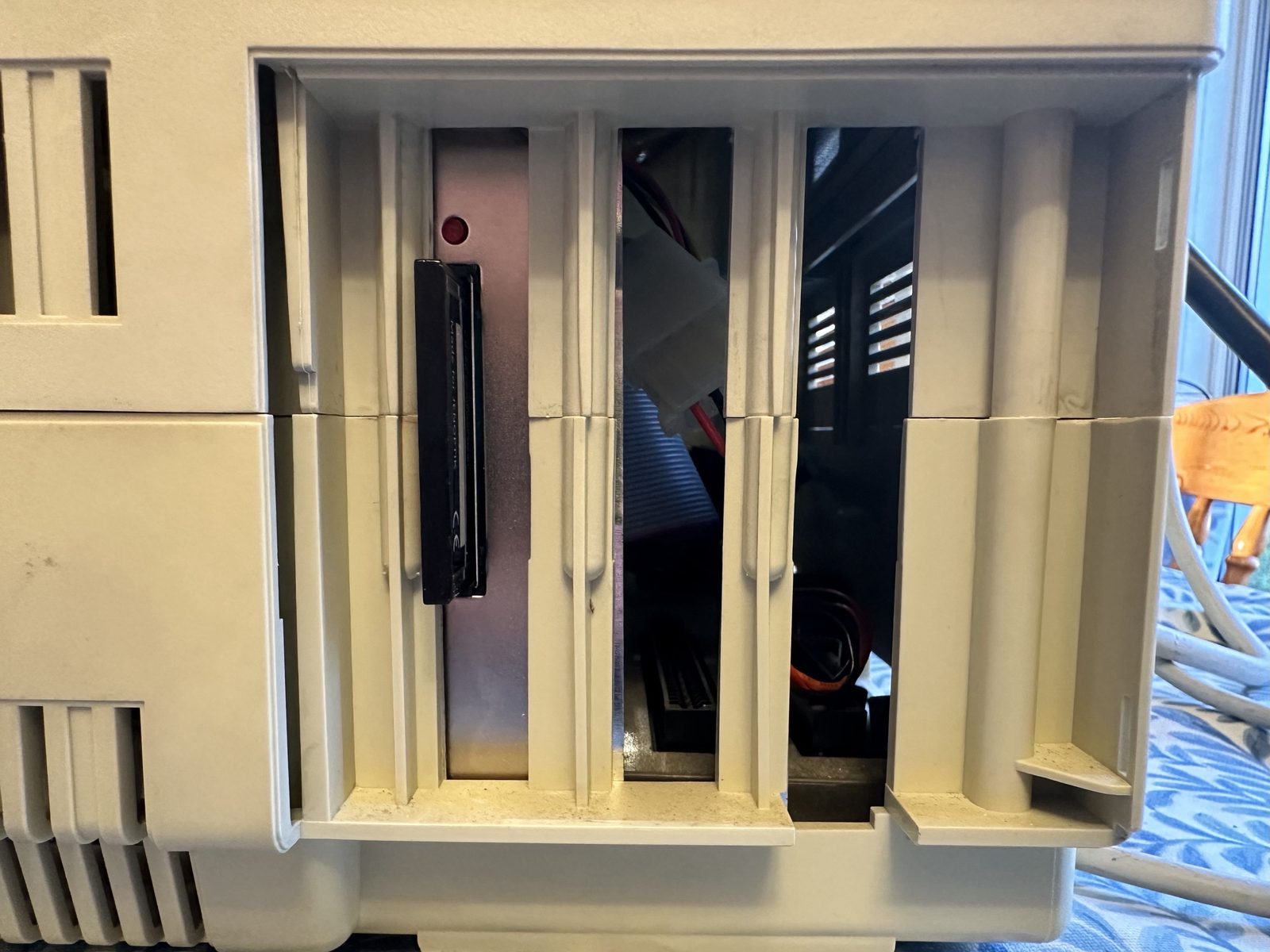
The CF card slot, accessible from the front of the case once it was all buttoned up:
Other things worth knowing
- Hotkeys:
Altsearches COM ports for mounted serial drives while in the BIOS/boot menu. - You can’t run the original MFM drive and XTIDE at the same time. The XTIDE BIOS simply doesn’t load if the MFM controller card is also connected — seems to come down to which card sits in the first ISA slot. Only one can be active.
- Not yet tried: using the original Amstrad installation images instead of a generic DOS install — might sidestep some of this entirely, but hasn’t been tested.
If you’re doing this yourself, the short version is: skip straight to the “what finally worked” recipe above and save yourself the DOS-version trial and error.
