Gran Turismo 3 hides a genuinely wild Easter egg: an i.LINK Battle mode that, with the right hardware, links three consoles into one continuous ultra-wide view across three screens. Here’s how to set it up.
What you need
- Three PlayStation 2 consoles — fat models only. The slim PS2 dropped the i.LINK (FireWire) port; you need it.
- Three copies of Gran Turismo 3.
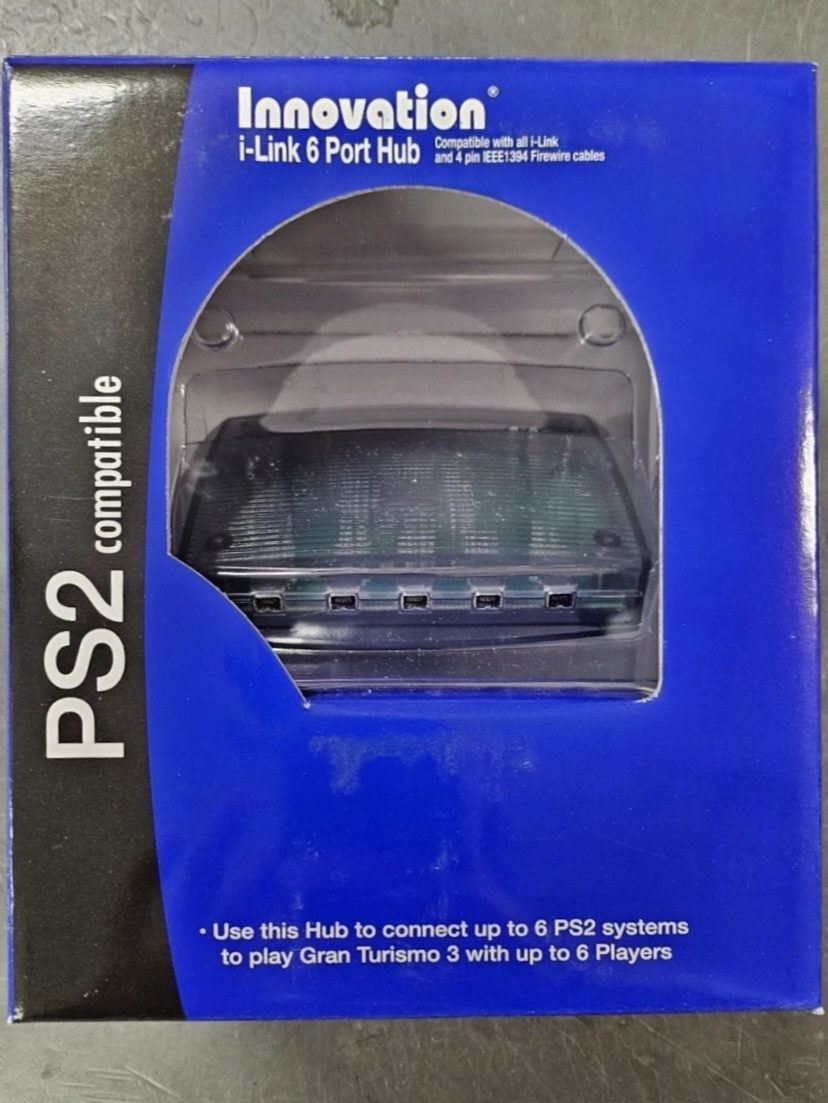
- An i.LINK hub to connect the three consoles — mine is an Innovation i-Link 6 Port Hub, sold explicitly as PS2-compatible and marketed for exactly this (“connect up to 6 PS2 systems to play Gran Turismo 3 with up to 6 Players”).
- Three screens (or, later, one ultra-wide — see below).
Wiring and screen order
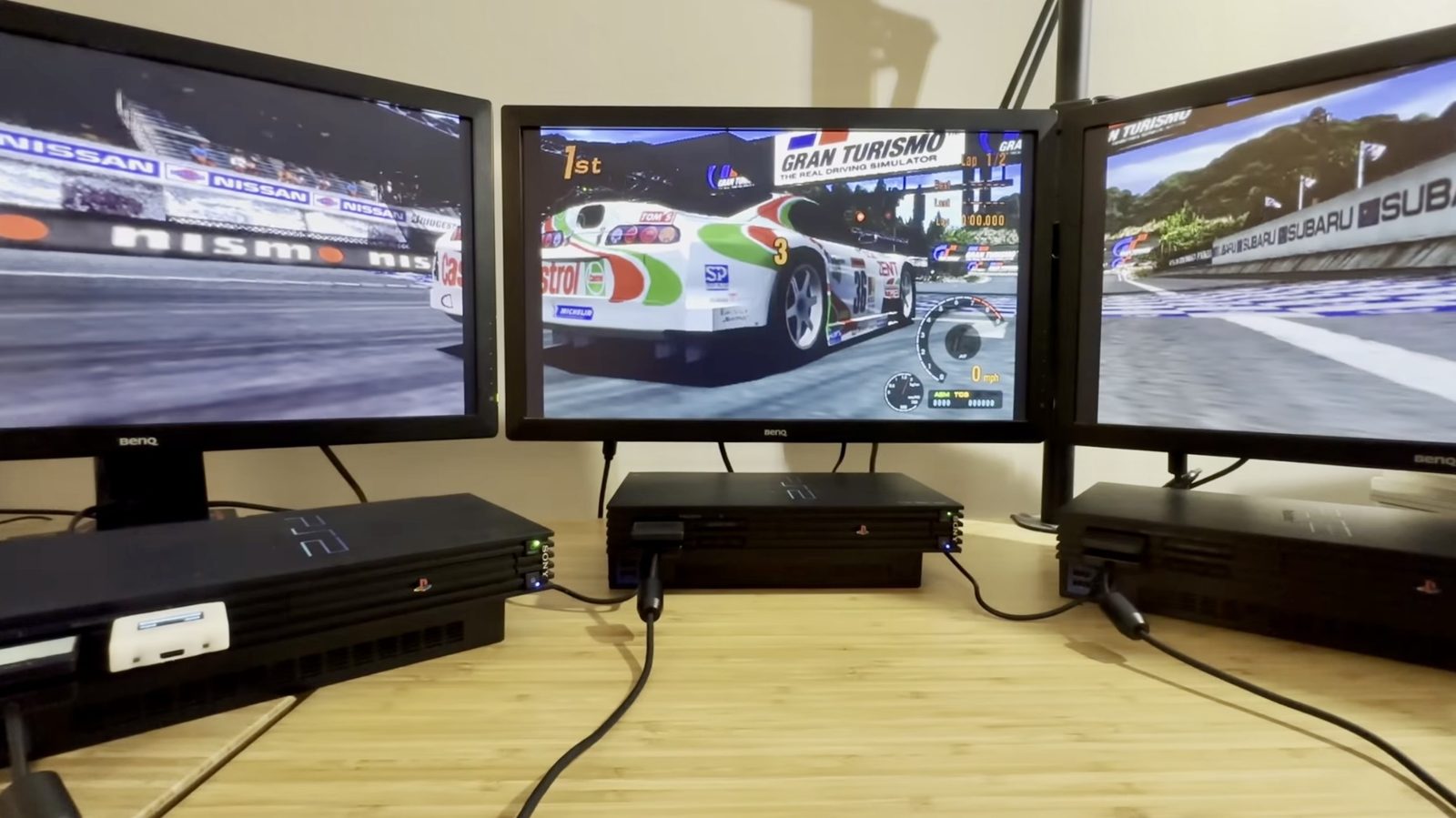
This is the fiddly part. With everything connected and all three consoles in i.LINK Battle, the roles came out wrong: console 1 was meant to drive the centre screen, with 2 on the left and 3 on the right, but they landed in the wrong physical positions. There’s no menu option to reassign which console takes which role — the only fix was to physically rewire, swapping which monitor’s video cable plugged into which console, until the physical screen positions matched the roles the consoles had already taken. Expect some trial and error here; it took a second full pass of moving cables around to land on a clean 1‑2‑3 (left, centre, right).
All three consoles booted into Gran Turismo 3 and ready to go — this is the setup moments before a race actually starts:
In-game setup
- On every console, go to Arcade → i.LINK Battle.
- If the screen order comes out wrong, rewire as above rather than looking for an in-game fix.
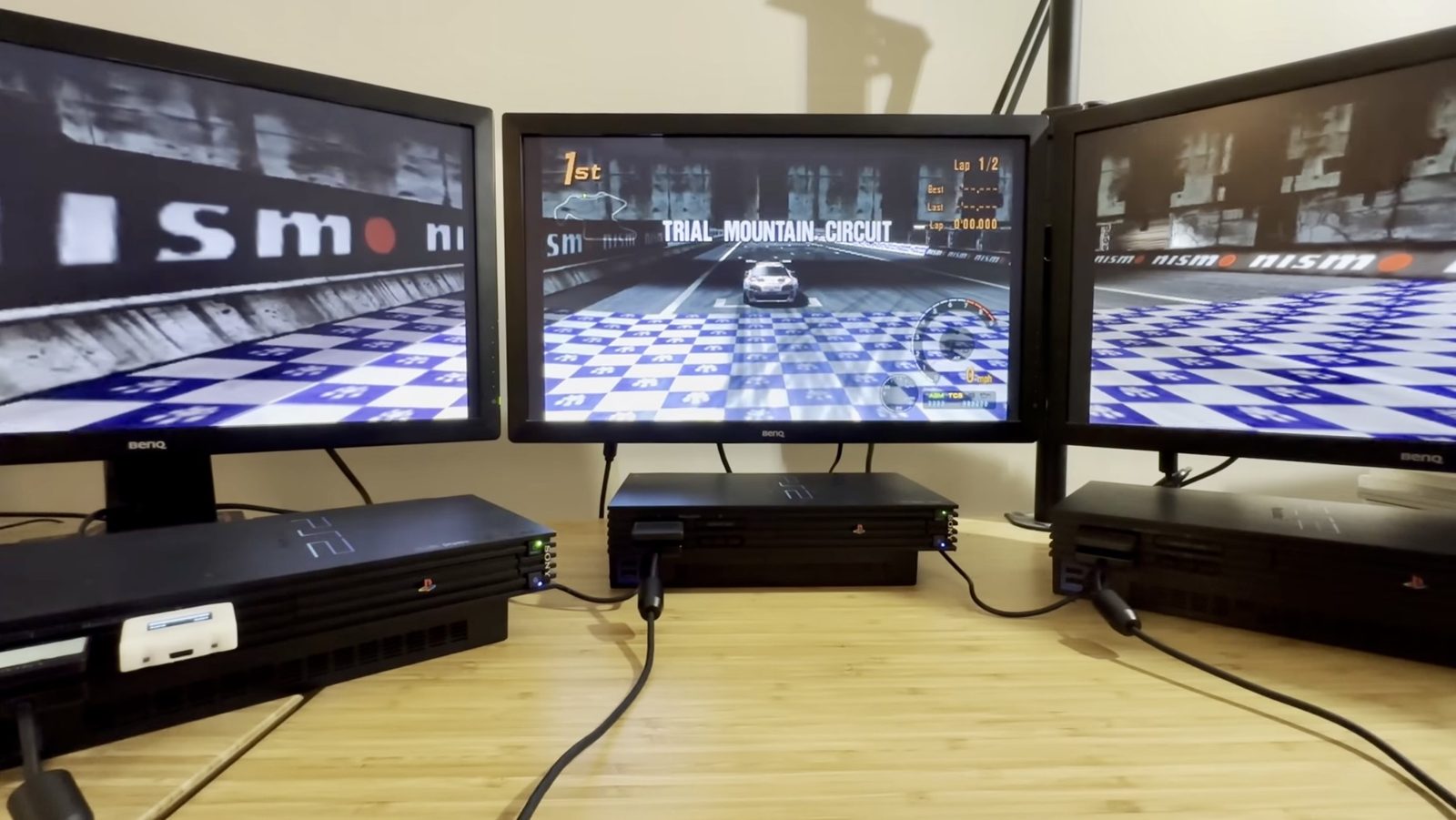
- Select Broadcast on all three consoles. The two outer consoles drop into a waiting state, and the centre console becomes the one you interact with.
- On the centre console, pick a track — Trial Mountain in the video — and start the race. The other two sync automatically.
The result
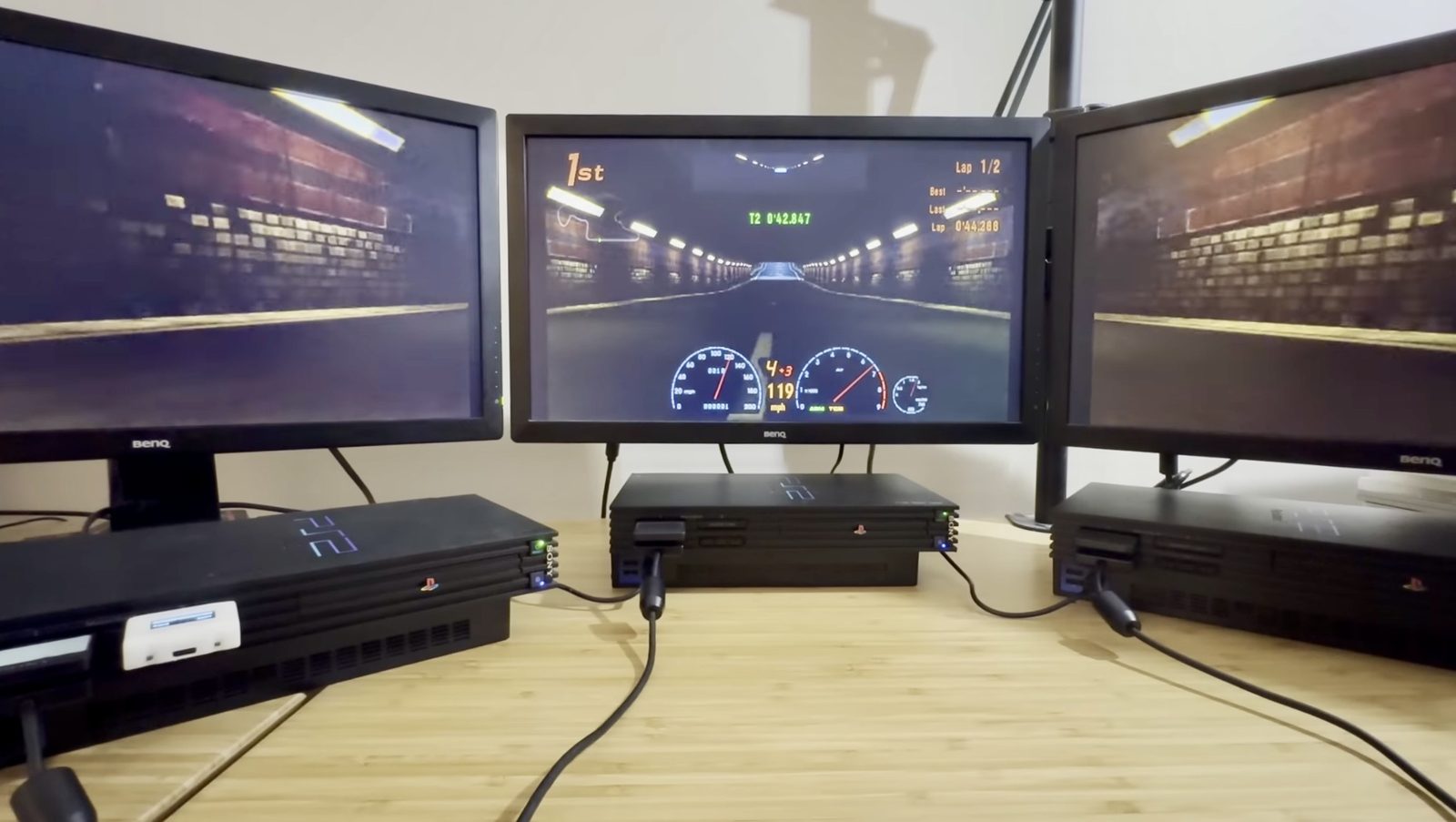
Full peripheral vision — the corners of the track sweeping past the side screens while focus stays on the centre. It works exactly as well as it sounds.
It’s also reportedly not limited to GT3 — Gran Turismo 4, 5, and 6 are said to support the same i.LINK Battle trick, though that’s secondhand and not something I’d verified firsthand at the time of the original video.
One screen instead of three
The first version ran on three separate monitors, bezels and all. Later I picked up an ultra-wide monitor and two Datapath VisionAV-HD capture cards, one PC, and used them to capture all three PS2 video feeds and assemble them into a single continuous ultra-wide picture.
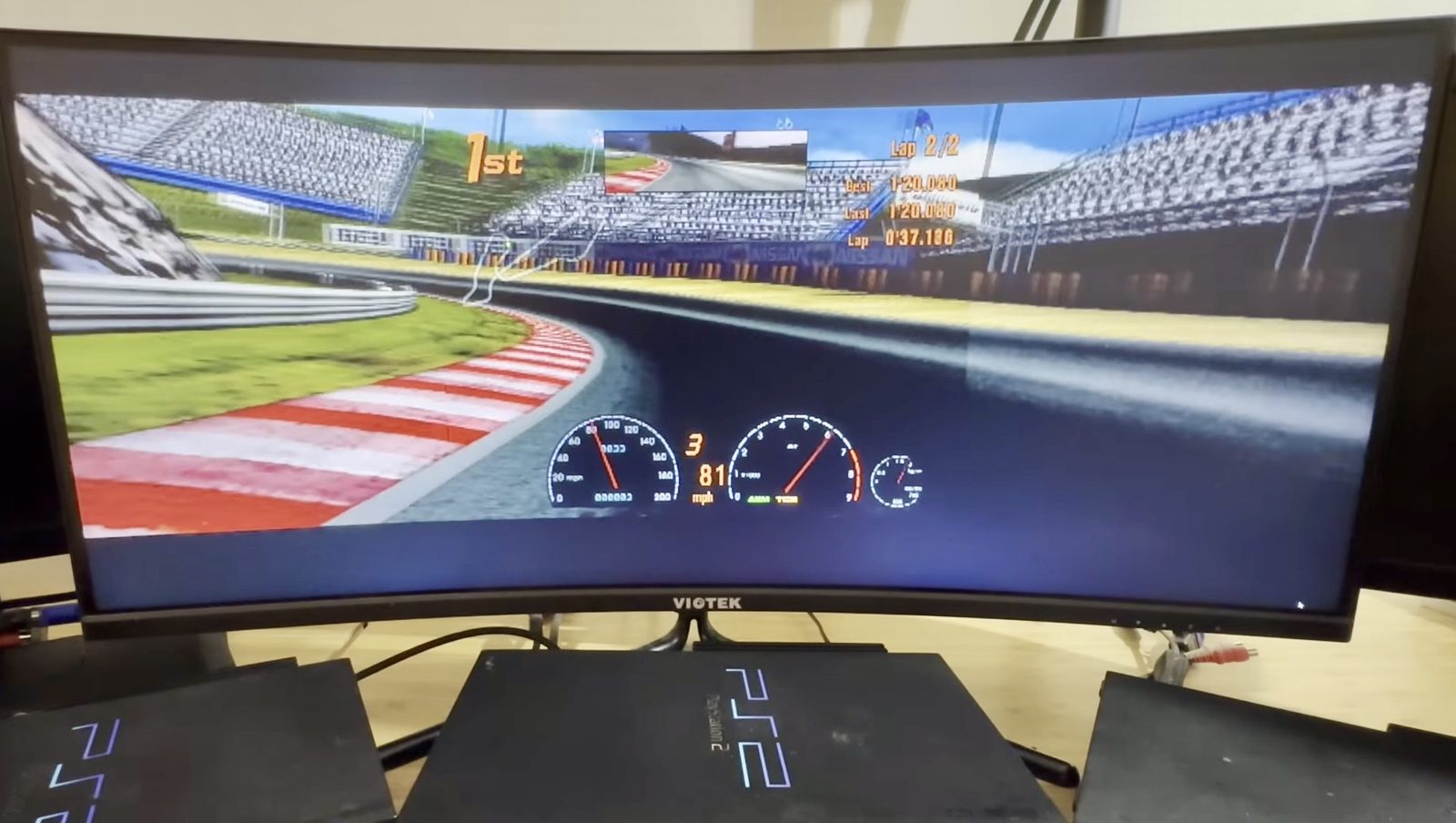
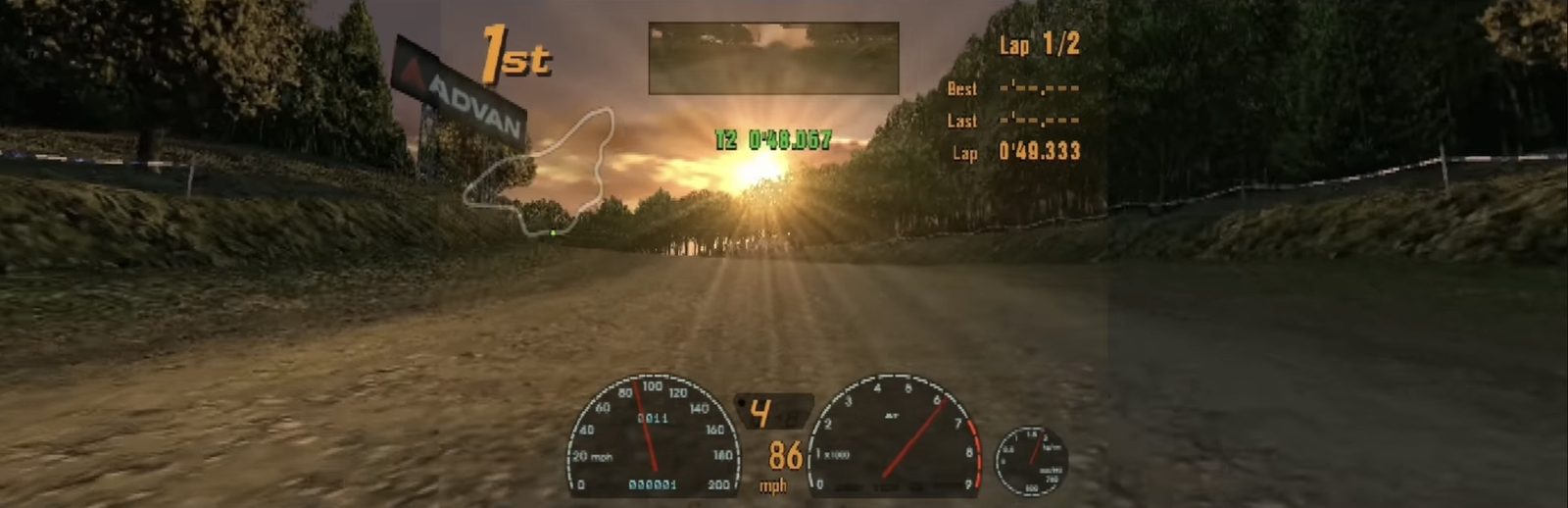
It stitched together far better than expected — only a handful of pixels out of alignment across the full width, and that was without any serious fine-tuning of the setup. This is the raw capture at its actual 12:3 aspect ratio — three 4:3 feeds side by side, before it’s ever displayed on anything:
Watch on YouTube
Related on this site
- Gran Turismo 3 on Multi Monitors — the project notes
- Gran Turismo 5 on Multi Monitors — the PlayStation 3 version
- Innovation i-Link 6 Port Hub
- Datapath VisionAV-HD
- Sony PlayStation 2
