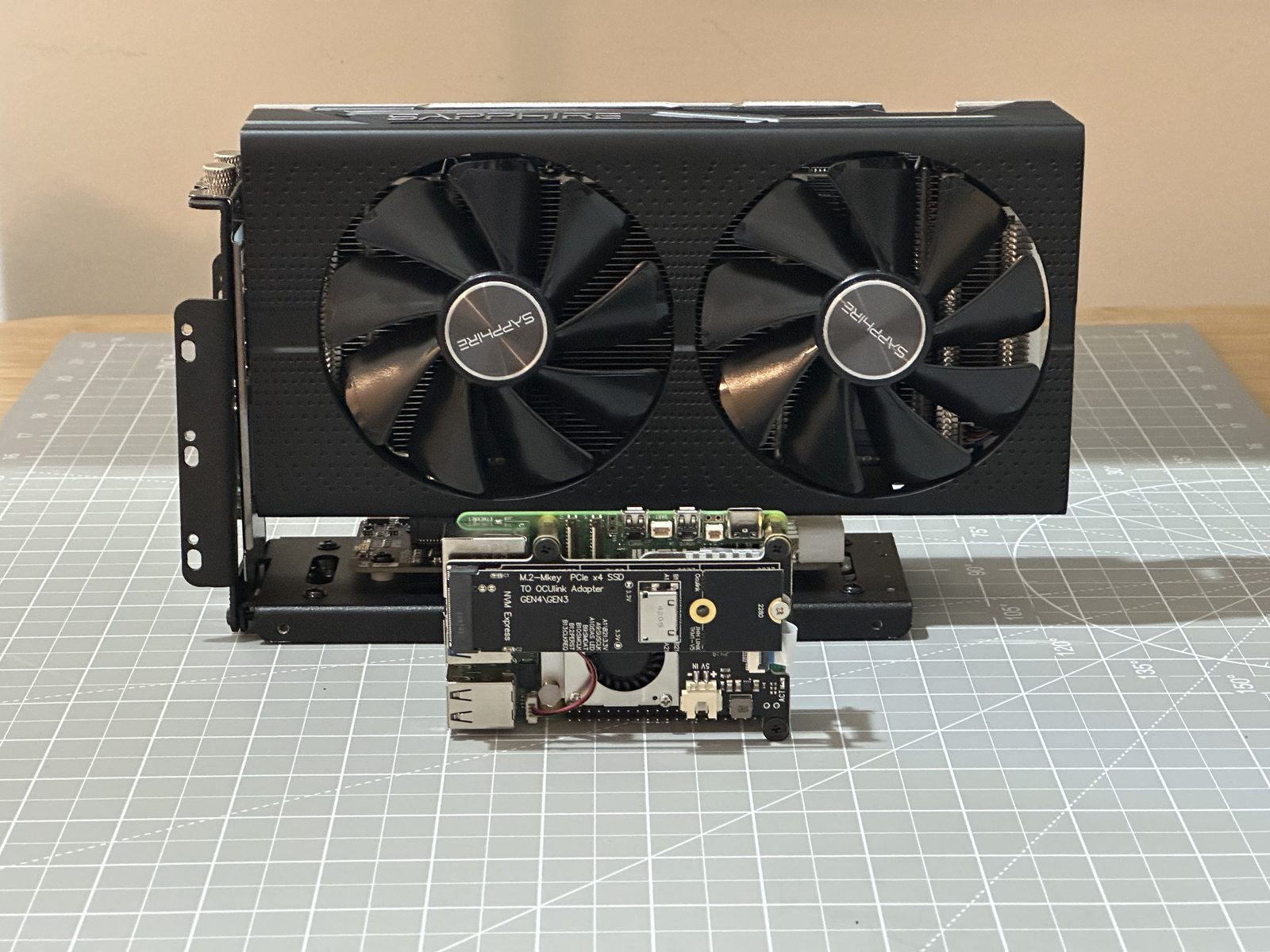
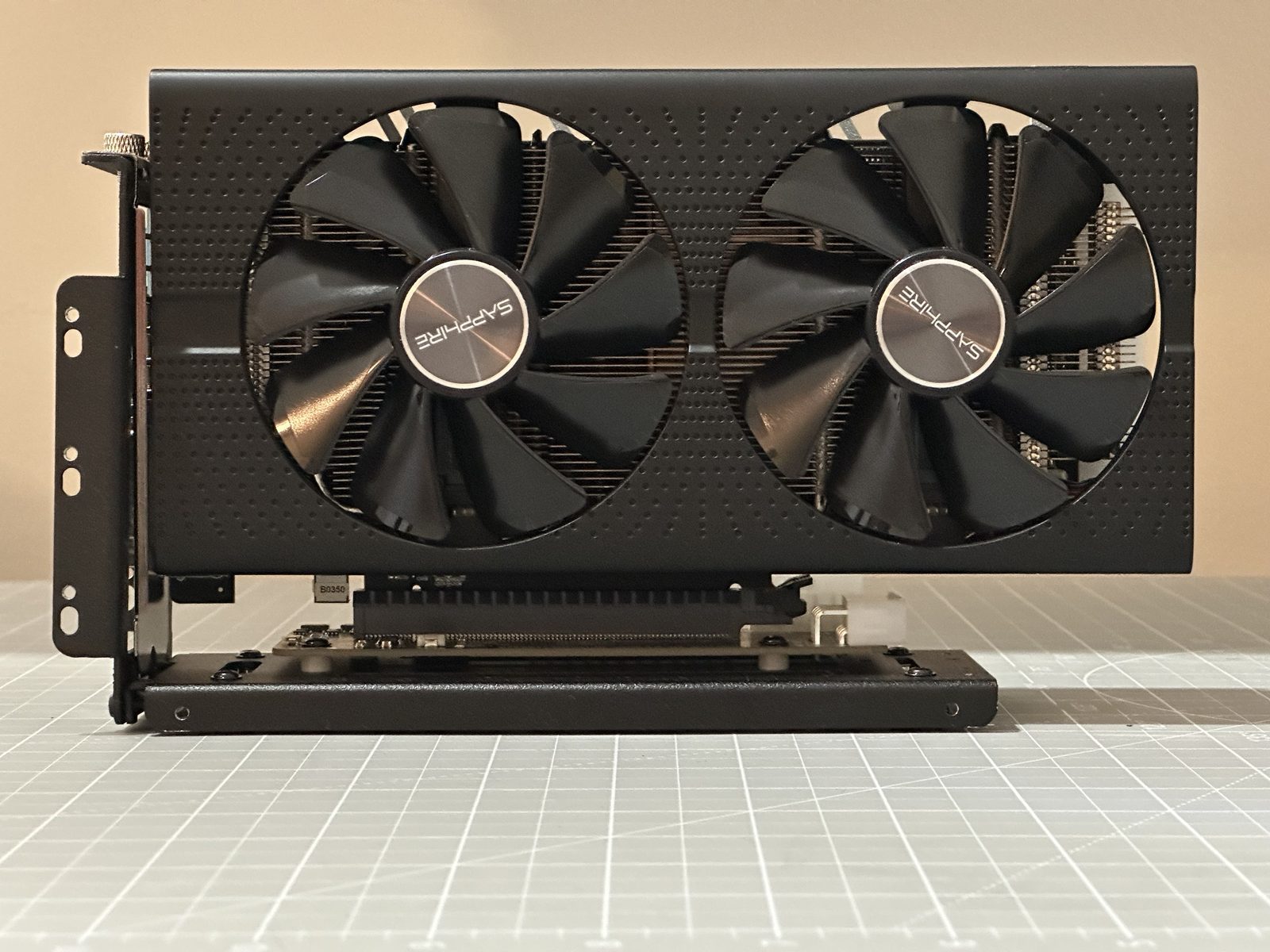
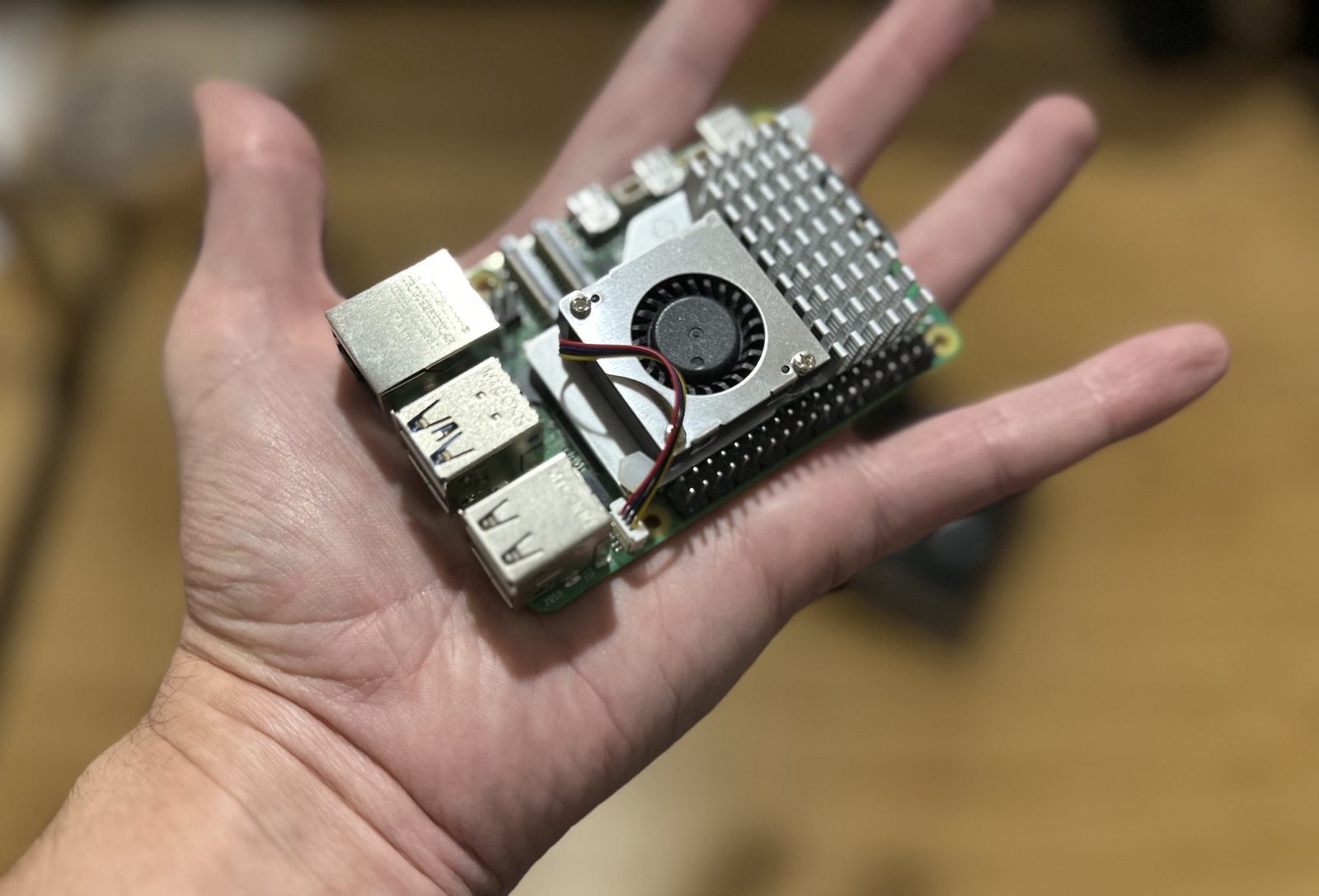
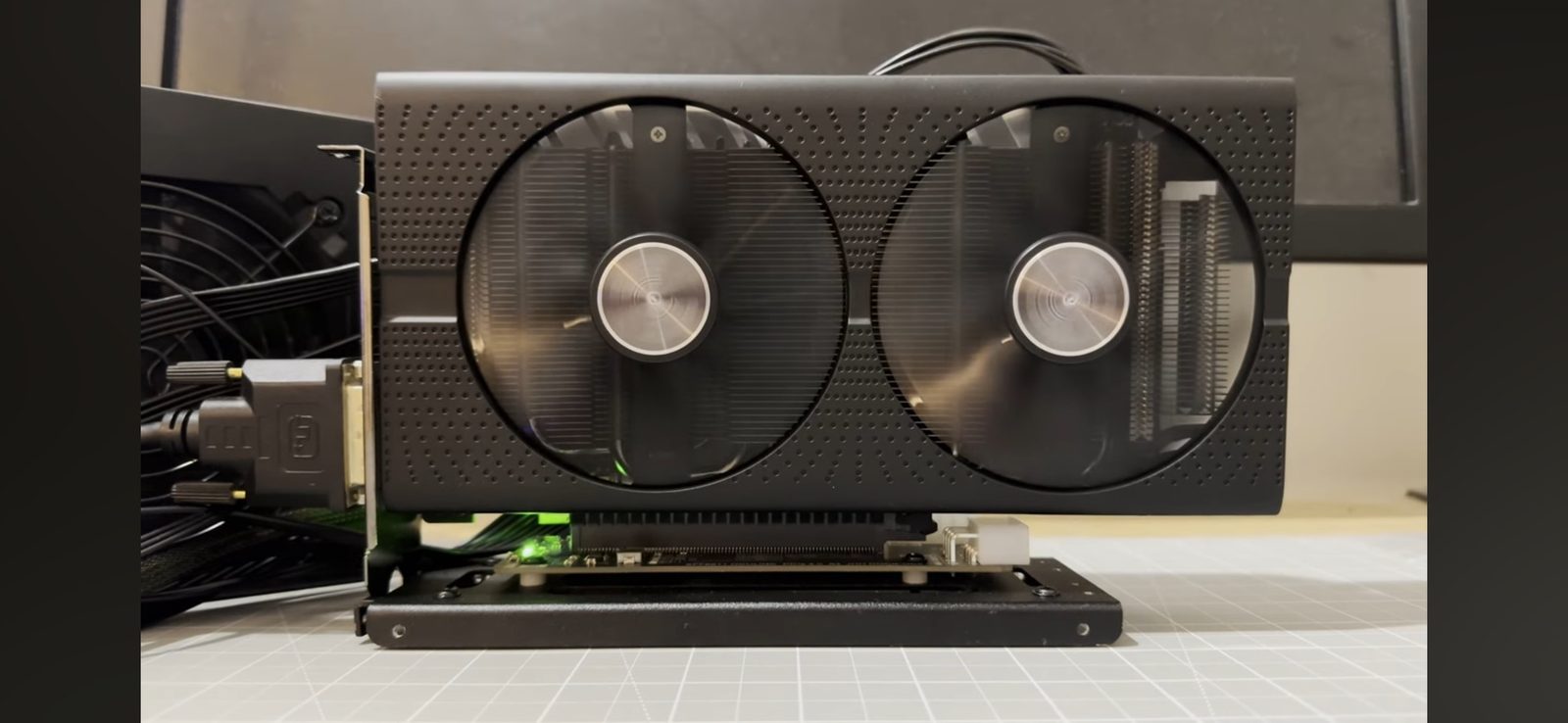
Worth pausing to actually look at these two before doing anything else. This is a Radeon RX 580: 8GB of VRAM, 6 billion transistors. This is a Raspberry Pi 5: half the RAM, and probably a quarter of the transistors. So this is very much a “do you want some Pi with your GPU” project, not the other way round.
What it takes
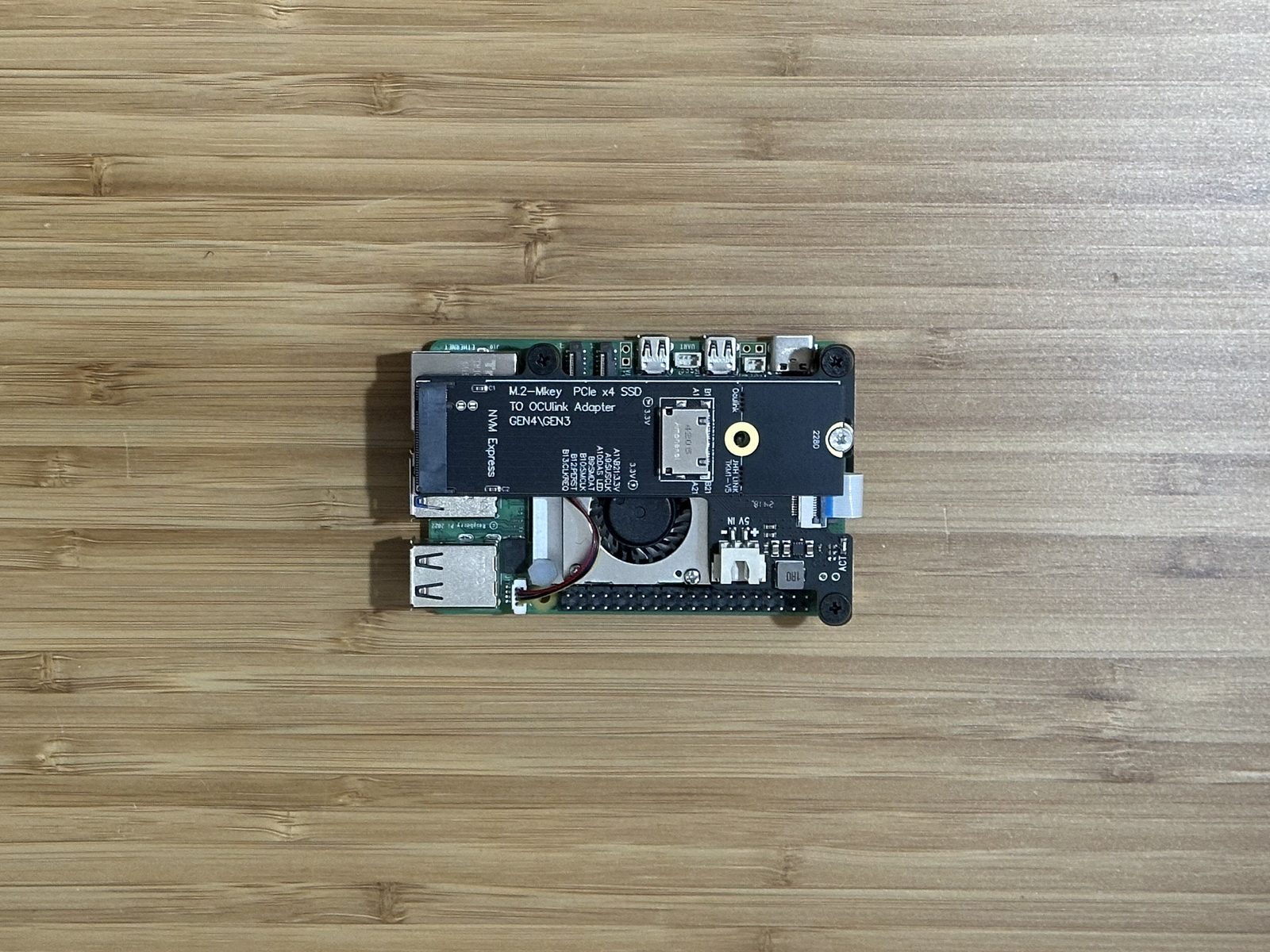
Getting a real desktop GPU talking to a Pi means routing its own PCIe lane out to somewhere a graphics card can actually plug in. The parts list:
- a PCIe-to-M.2 HAT, to add an M.2 slot to the Pi
- an M.2-to-OCuLink adapter board
- an OCuLink cable, which carries PCIe signal rather than anything USB-shaped
- a PC power supply — 600W, since a graphics card needs real power, not what the Pi itself can provide
- an OCuLink eGPU dock for the card to actually sit in
Standing on someone else’s research
None of this works without a custom kernel, and building one from scratch would have been its own multi-week project. Thankfully it already existed: Jeff Geerling and a GitHub user going by Coreforge had already done the hard part, patching AMD’s GPU driver to work on the Pi 5’s ARM CPU. As Geerling put it at the time: “It’s been over four years in the making, but thanks to some amazing work by Coreforge and others in the community, we have a mostly-stable patch for (some) AMD GPUs running on the Pi 5.”
Coreforge’s own fork — rpi-6.6.y-gpu, cloned straight from their GitHub — was the newer, more complete option, so that’s the route I took, rather than manually applying Geerling’s patch on top of the stock Raspberry Pi kernel.
Building the kernel
First, the easy check — is the GPU even visible over the OCuLink link before any of the software work starts:
lspci
There it was: Radeon RX 580. Good news — the adapter chain and the dock were both doing their job.
Next, a config change to push the PCIe link up to Gen 3 speeds, added to /boot/firmware/config.txt:
dtparam=pciex1_gen=3
Then the actual kernel build. Grab Coreforge’s fork:
git clone --depth=1 --branch rpi-6.6.y-gpu https://github.com/Coreforge/linux.git
Coreforge’s kernel also needs an optimised memcpy library to work properly on the Pi’s CPU — grabbed from their GitHub gist, compiled as a shared library, and registered in /etc/ld.so.preload so the system actually uses it:
gcc -shared -fPIC -o memcpy.so memcpy_unaligned.c
sudo mv memcpy.so /usr/local/lib/memcpy.so
With the build dependencies installed and the Pi 5’s default kernel config brought in (make bcm2712_defconfig), two settings needed changing by hand in make menuconfig: a memory-alignment fixup for misaligned loads and stores from userspace, and the AMDGPU driver itself, under Device Drivers → Graphics Support.
Then the actual compile — the point where you start it and go and do something else for a while:
make -j6 Image.gz modules dtbs
sudo make -j6 modules_install
Kernel image, device tree binaries, and overlays all get copied into /boot/firmware/, and last of all, the graphics firmware package itself:
sudo apt install firmware-amd-graphics
It works
Reboot, and either it works or it very much doesn’t. It worked — a proper 4K desktop, and neofetch confirming the graphics card in black and white: Radeon RX 580.
Half-Life 2 and Portal, maxed out
First test, obviously, was Half-Life 2 — I’d already run it natively on the Pi 5’s own built-in GPU, but this time there was real horsepower behind it. Every setting to the top: 4K, high texture detail, 8x anti-aliasing, 16x anisotropic filtering, vsync off. cl_showfps 1 showed just under 300fps — almost certainly the Source engine’s own frame cap rather than anything the RX 580 was struggling with.
Portal followed the same treatment, same settings, same result: a game that has genuinely never looked this good running on a Raspberry Pi.
For an actual benchmark number rather than just a feeling, GravityMark — 200,000 asteroids on screen at once — ran at 40fps at 4K. For a graphics card being driven by a computer that costs a fraction of its own price, that’s a properly good result.
Doubling down: the RX 6600 XT
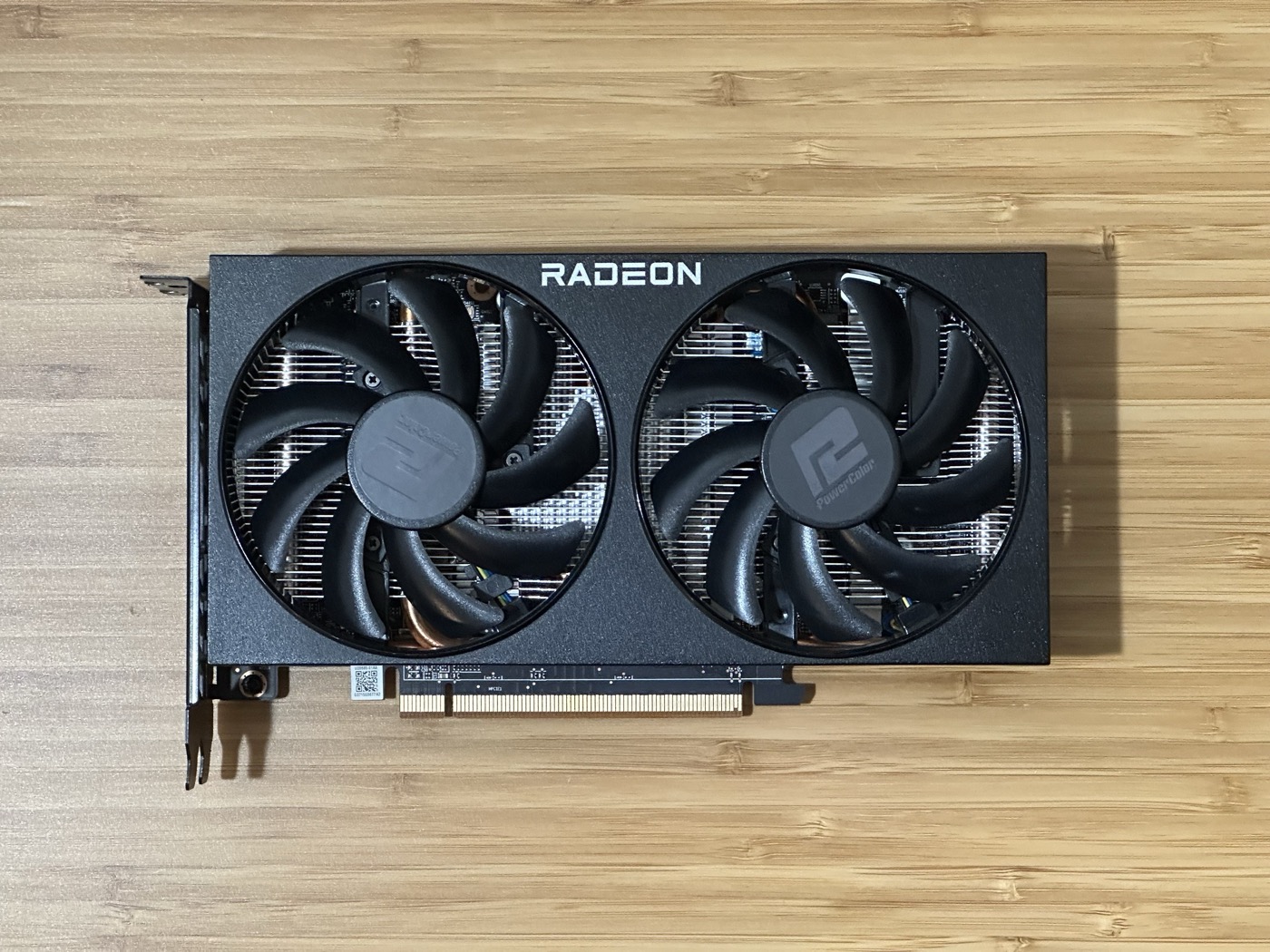
With the RX 580 proving the whole concept worked, the obvious next step was a faster card. In went a PowerColor Radeon RX 6600 XT — about four years newer than the RX 580, and roughly twice as fast on paper.
It just worked. Same boot process, same neofetch confirmation, this time reading back Radeon RX 6600 XT instead. For a proper stress test this time it was Doom 3, at 4K, every setting on Ultra: a locked 4K60. GravityMark came back at 80fps — doubling the RX 580’s result almost exactly, which is about as clean a confirmation of “roughly twice as fast” as a benchmark ever gives you.
Closing thoughts
I love this kind of unhinged project — taking hardware and making it do something it was never remotely designed to do. And the result isn’t just a novelty: the whole desktop felt snappier with a real GPU behind it, not just the games. Enough that I’m tempted to build the whole thing into a proper case and call it a Raspberry PC.
None of it happens without Jeff Geerling and Coreforge’s kernel work — genuinely, this project doesn’t exist without their research being freely available to build on.
Related on this site
- Radeon GPU on a Raspberry Pi 5 — the project notes
- Raspberry Pi 5
- Radeon RX 580
- Radeon RX 6600 XT
- I Installed a Modern GPU on Raspberry Pi (and it’s AWESOME!) — the original video
- I Made Half-Life 2 Run Natively on a Raspberry Pi 5
