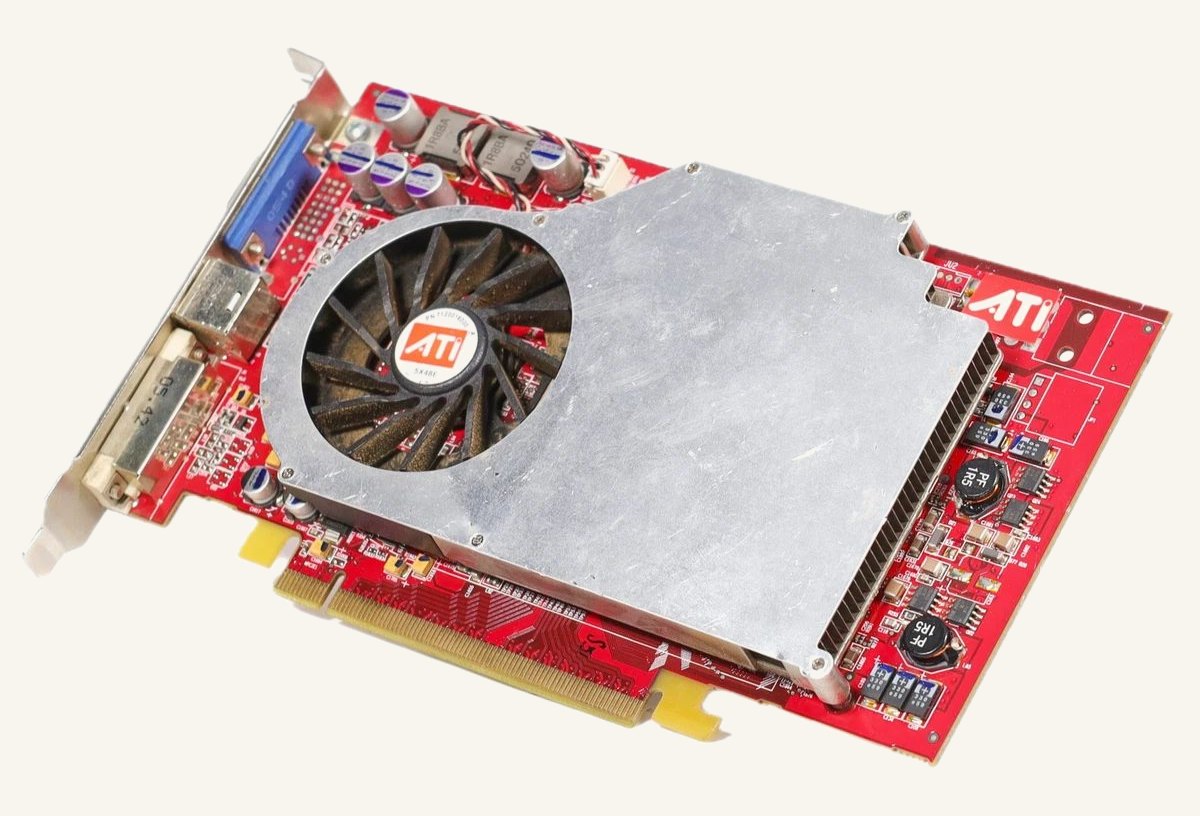
I picked up a Radeon X800 XL cheap and untested. The reason it was cheap became obvious the moment I powered it on: the fan bearing had seized, and it was screaming. The card wasn’t usable until it was sorted.
What followed was three attempts at a fix, each better than the last.
1. New bearings
The fan on this card is an ADDA AD4512HB-E03 — a 45 mm fan, and the “B” in the code means it’s a ball-bearing type. ADDA part numbers encode the dimensions, voltage and bearing type; there’s a decode page worth bookmarking for any of their fans, and a Vogons thread with card-specific detail on this exact fan.
Because it’s a ball-bearing fan, the bearings are a replaceable part. I ordered a pack of MR52ZZ bearings — 2 mm bore, 5 mm outer diameter, 2.5 mm wide, double-shielded — prised the fan apart, and swapped them in.
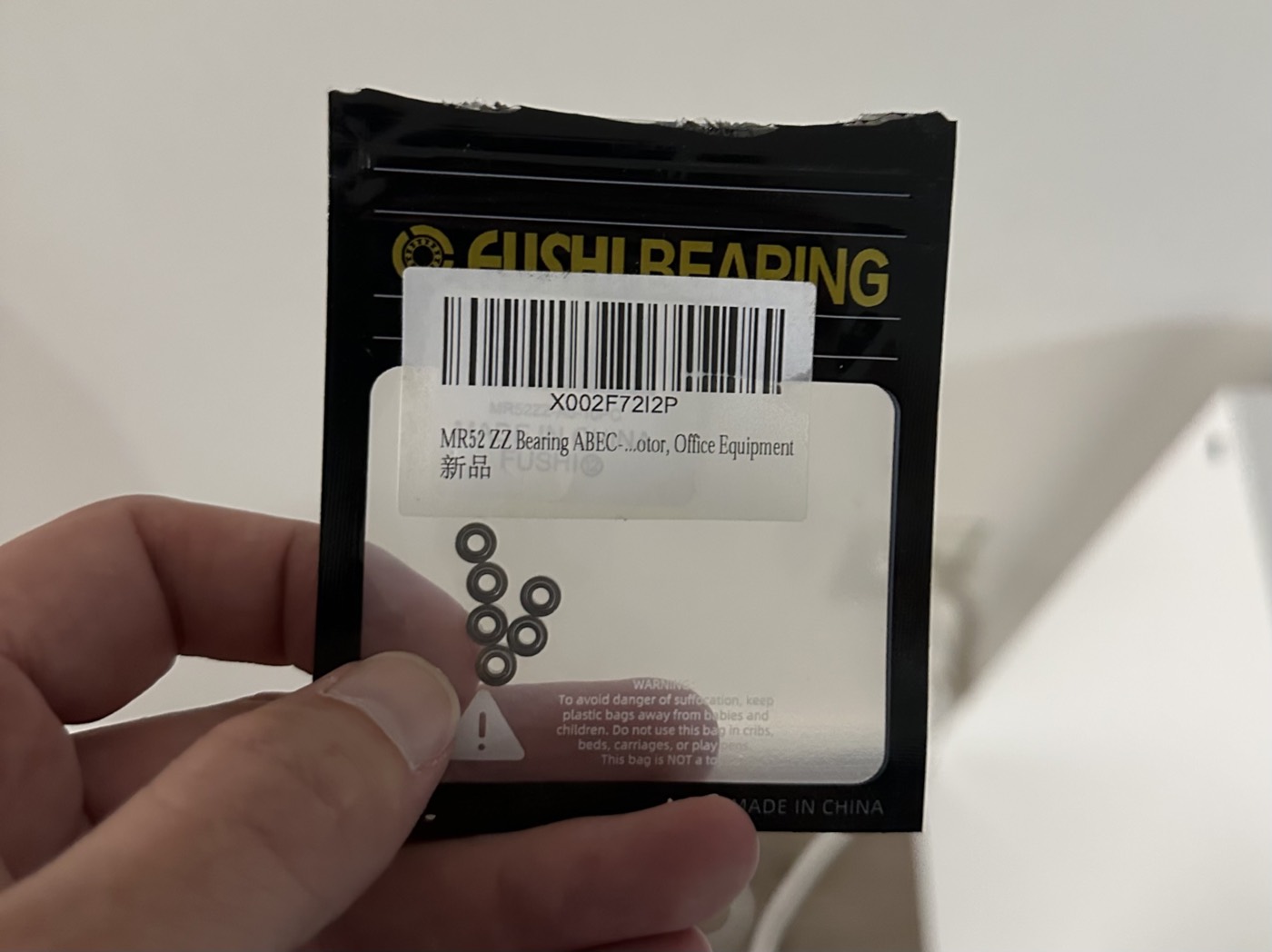
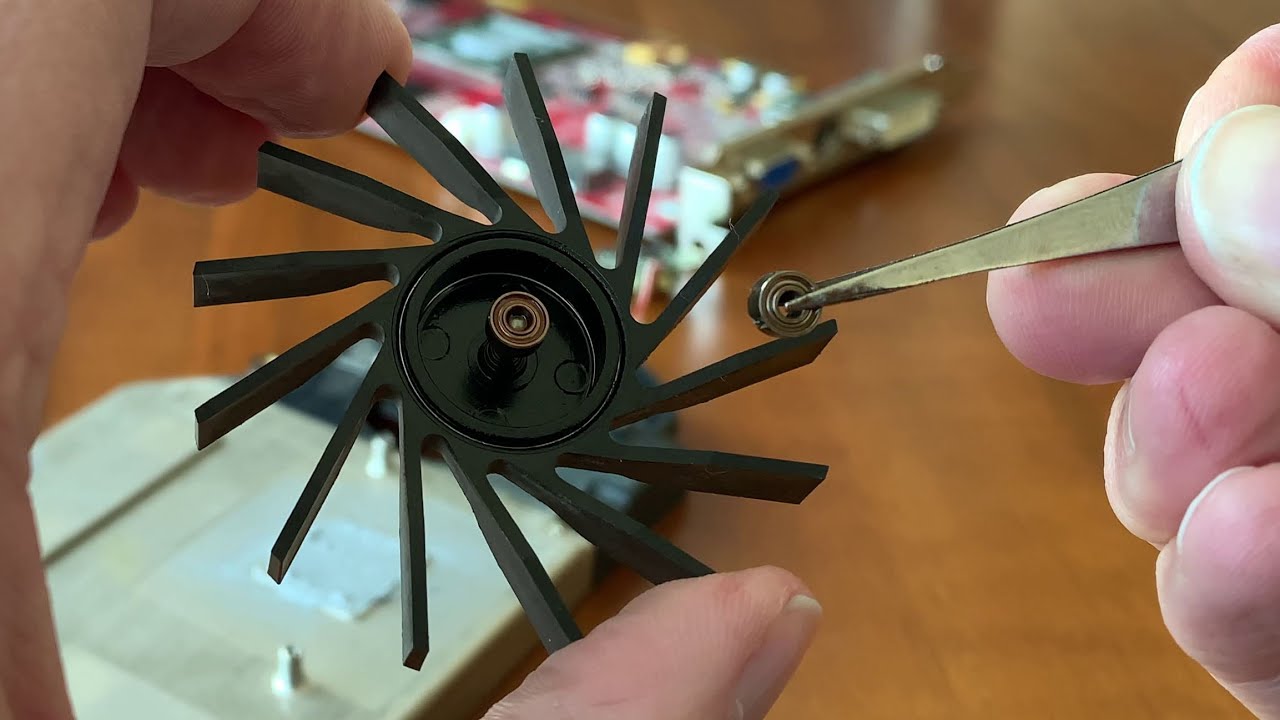
It worked — the grinding was gone and the fan spun freely again. But it wasn’t perfect. There was still a faint whine, and rebuilding a tiny fan around fresh bearings by hand only gets you so far. I wasn’t confident it would stay quiet.
(For the physical teardown, see ATi Radeon X800 XL Cooler and Fan Disassembly.)
2. A new fan
The next step up: keep the original heatsink, replace the whole fan. A matching ADDA AD4512HB-E03 is easy to find on eBay. I fitted one, and this time the result was genuinely as good as new — quiet and smooth, with nothing to second-guess. Same connector, same mounting, no adapting required.
For most people with this card, this is where the story should end. A matching replacement fan is cheap and it’s a proper fix.
3. An aftermarket cooler
I went one further anyway, and fitted a generic YOTA VGA cooler — an aluminium radiator with its own fan, sold for a few pounds and supplied with thermal paste, spring-screws and insulating washers.
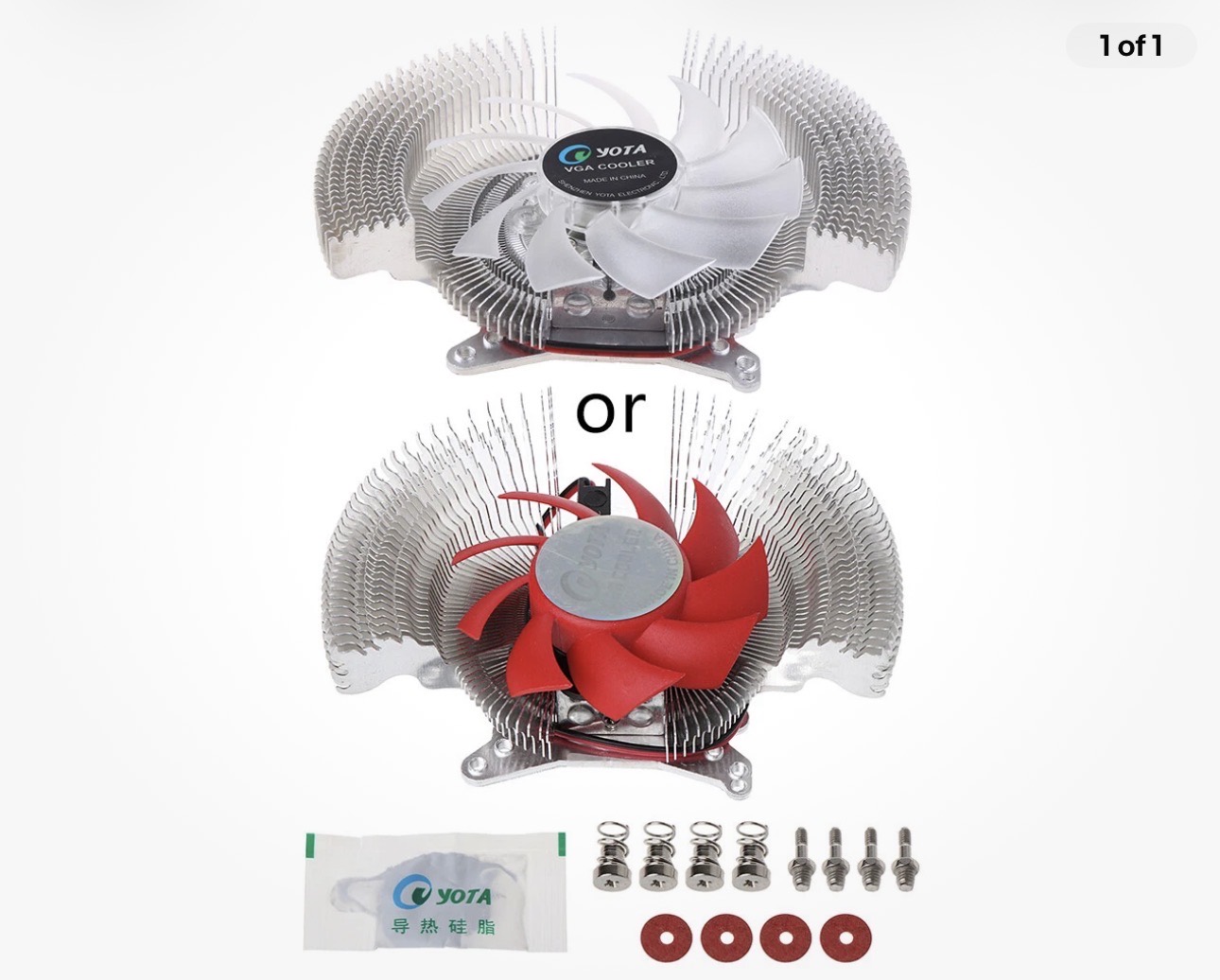
It bolts on through the same mounting holes, runs quieter than even a healthy stock fan, and keeps the R430 comfortably cool. It’s less period-correct — the card no longer looks stock — but for a machine I actually use, near-silence won.
What I’d recommend
If your X800 XL — or any ADDA-fan card — has a noisy fan:
- New bearings are the cheapest fix and will quieten a seized fan, but expect a slightly imperfect result and don’t count on it lasting.
- A matching replacement fan is the sensible answer: cheap, easy, as good as original.
- An aftermarket cooler is worth it only if you want the card properly silent and don’t mind it no longer looking stock.
