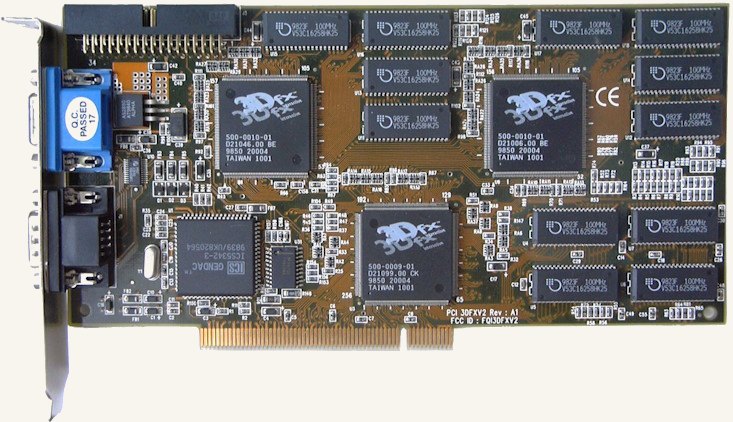
Back in 2023 I set out to get a 3dfx Voodoo 2 — a 3D accelerator from 1998 — running inside a modern Windows 10 gaming PC. It worked, it turned into a couple of popular videos, and it kicked off a surprising amount of argument in the comments. This is the full write-up of how it was done.
It started with Robert Krause’s write-up of getting a 3dfx Voodoo 2 working on his Windows 10 PC (an i7-4790K). He had one advantage I didn’t: his motherboard still had a legacy PCI slot.
My Z97 board doesn’t have a single one. Every slot is PCIe. So if I wanted to try the same thing, I’d need a different way in.
The plan: a PCIe-to-PCI adapter
Enter a cheap PCI-to-PCIe adapter card. In theory, it lets a PCI card like the Voodoo 2 plug into a PCIe slot.
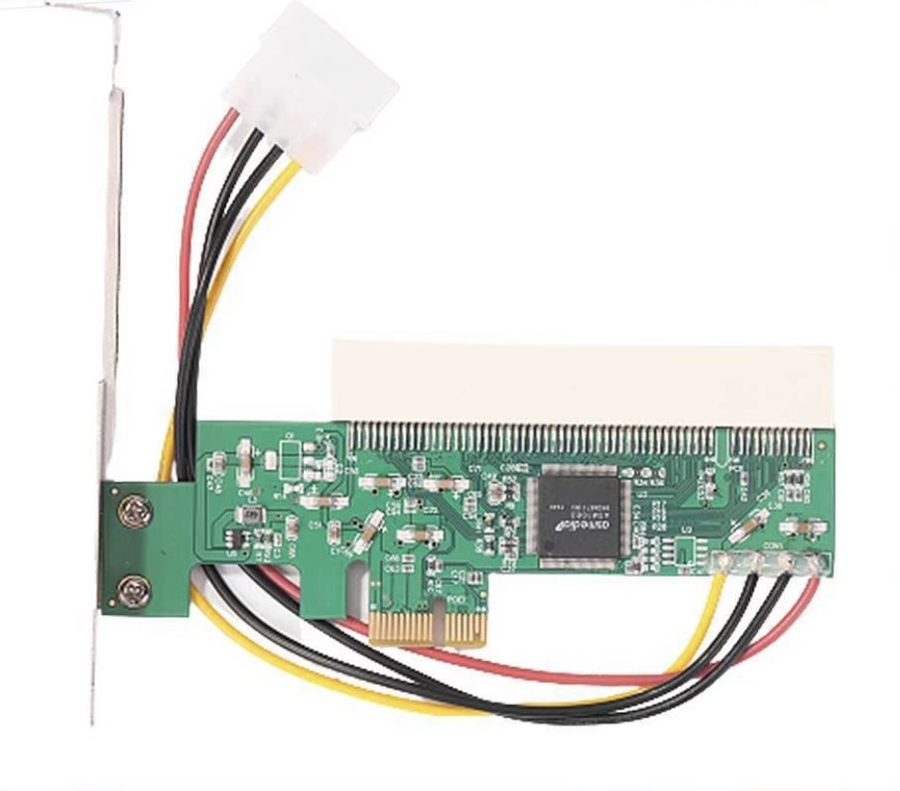
In practice, there was an immediate physical problem: the Voodoo 2 is a full-height card, and mounted the normal way through the adapter it was simply too tall for the case.
The fix was to mount it horizontally instead, using a PCI Express extension/riser cable to get it into position. After some fiddling, the Voodoo ended up sitting in an extra expansion slot just above the PCIe slots — with just enough clearance left over to route a VGA cable through the gap to the card.
Since the Voodoo 2 needs a pass-through connection from a primary 2D card, and this system’s actual primary GPU is a GeForce GTX, there was a choice to make about how the two cards would share the monitor — more on that below, since it turned out to be the single most contentious part of the whole project as far as viewers were concerned.
Drivers: the actual hard part
With the card physically in place, the first sign of life was genuinely promising: Windows 10 recognized it in Device Manager as a “multimedia video adapter.”
That’s about where the good news ended.
None of the original, period-correct Voodoo 2 drivers would install. My best guess: they’re 32-bit, and this is a 64-bit install of Windows 10.
After a lot of trial and error, I found a driver on the 3dfxzone.it forums — a build specifically intended to enable Glide-based games on 3dfx Voodoo 2 hardware under 64-bit editions of Windows, Windows 10 included.
That looked like exactly what I needed. Except: Windows 10 requires signed, verified drivers, and this one isn’t signed. It refused to install.
The workaround: reboot into the Windows Advanced Startup menu and disable driver signature enforcement. With that off, the driver installed — accompanied by an appropriately alarming “Windows can’t verify the publisher of this driver software” prompt.
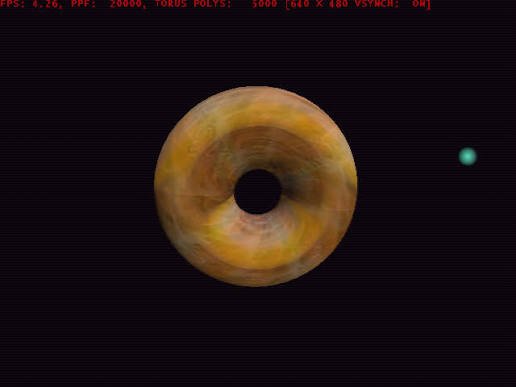
With drivers in and Windows still booting, it was time to actually test something. I grabbed a classic 3dfx tech demo — Donut — and ran it.
It failed immediately, with the error:
trying to map memory
More digging on 3dfxzone turned up another fix — this time intended for the map-mem error on Windows 2000 and Windows XP. Not exactly a promising lineage for a Windows 10 machine, but I downloaded the XP version anyway and applied it.
It worked. I genuinely wasn’t expecting it to.
Native Glide, on a 2020s PC
So — to be completely clear about what was now running: this is native Glide, executing on real 3dfx hardware, on Windows 10. 90s hardware, running on a 2020s PC.
For the first real test I went with Quake 2 — specifically the Steam release, which (somewhat amazingly) still ships with 3dfx support baked in. Toggling the video mode over to 3dfx brought the Voodoo back to life properly, and a timedemo run averaged 57.6 fps — still speedy for 1998 hardware, and probably vsync-capped at that.
Why no pass-through cable?
The video got a lot of attention (400k+ views) — and with that came a fair number of comments insisting the whole thing had to be faked, because “you need a pass-through cable to use a Voodoo 2.”
I do own a pass-through cable. I chose not to use it, on purpose: the primary GPU (a GeForce GTX) drives the display over DVI, and running the Voodoo through a pass-through would mean giving up that pristine digital signal in favor of the Voodoo’s analog output whenever the pass-through is active.
Instead, the Voodoo gets its own separate VGA cable, run straight to the same monitor — both cables connected at once. Launching a Glide game shows the usual 3dfx placeholder window, which is the cue to manually switch the monitor’s input over to the Voodoo’s VGA feed — “Voodoo mode.” Since the card only comes out occasionally, manually flipping inputs a few times a year is a perfectly reasonable trade-off for keeping the primary display pristine the rest of the time.
The follow-up: viewer top 10
The reaction to the first video was big enough to justify a dedicated follow-up, working through the most-requested games and questions from the comments:
- Turok (N64, March 1997; ported to Windows later that year) — still impressive graphics for the era, though the level design has “aged a bit.” (Nightdive’s 2015 PC remaster is probably the best way to actually play it today.)
- Ultimate Race — more graphics showcase than full game (it shipped bundled with both Voodoo and PowerVR cards back in the day). Lighting still looks great; handling feels like driving on ice.
- Cooling — several viewers worried that a modern, much faster CPU would push more rendering load through the Voodoo than it ever saw in period, and cook it. Measured temps: ~40°C idle, mid-50s°C under sustained load, one spike into the mid-60s°C. Ordered 28mm heatsinks as a precaution.
- DOS games — yes, they work. Tomb Raider’s underwater sections look noticeably better accelerated than on PS1 or the DOS software renderer. Blood runs fast in its 3dfx mode, but the VESA rendering modes are the better-looking option. Screamer Rally ran fast and looked great too.
- Deus Ex (2000) — ran great, and doubled as a nostalgia trip, having originally been played on a Voodoo the first time around.
- Quake 3 — ran so well it took a couple of double-checks to confirm it wasn’t accidentally rendering on the system’s GeForce GTX instead. Quake 1, 2, and 3 all run great on the card.
- Need for Speed 2 — a surprise request, but a good one: nice textures and shading, a great frame rate, and a more arcade-y feel than the original NFS.
- Half-Life — still holds up. Runs great, and the lighting/particle work looks good despite the low-poly character models.
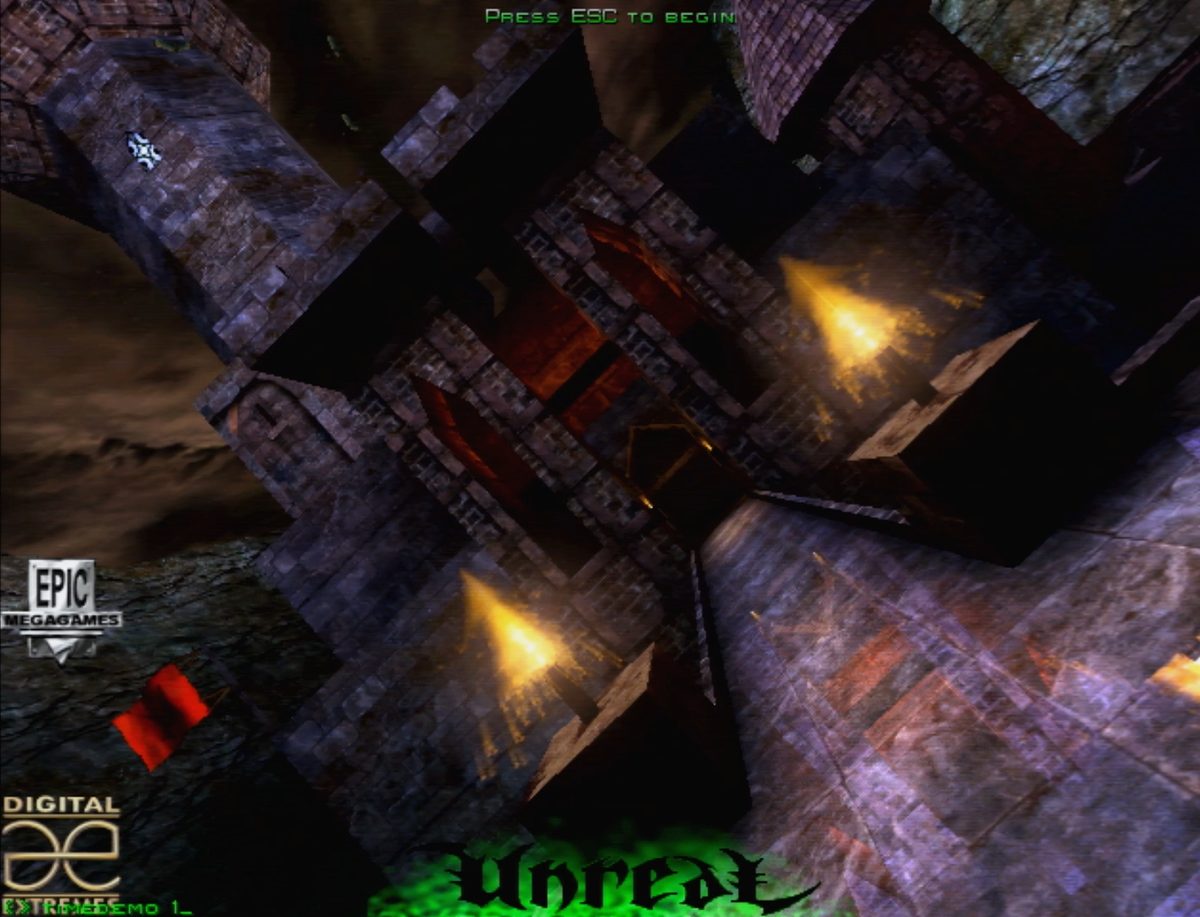
- Unreal — by far the single most-requested game. Genuinely nostalgic: the crashed-prison-ship intro, the water effects, that first open vista. Still looks amazing today.
Watch on YouTube
The project was originally two videos — the initial breakthrough and a follow-up answering viewer questions:
See also the 3dfx Voodoo 2 hardware reference page for background on the card itself.
(This build later got a sequel: a proper external “3dfx eGPU” on a much newer AM5/Windows 11 system, PCI slots and all — more on that another time.)
